
POV guides
Guides for editing first-person footage
These guides are about footage shot from your own point of view: a GoPro on a chest mount, a camera on a helmet or handlebar, smart glasses, or a phone held at arm’s length. Each one covers a single job, from erasing the mount or selfie stick to swapping an item on a trail sign, and explains which engine to choose, how to word the instruction and where the method stops working. Every guide opens the same editor: upload, trim 3 to 10 seconds, write one line, check a preview frame, render.
Updated
Edit GoPro video by typing the change
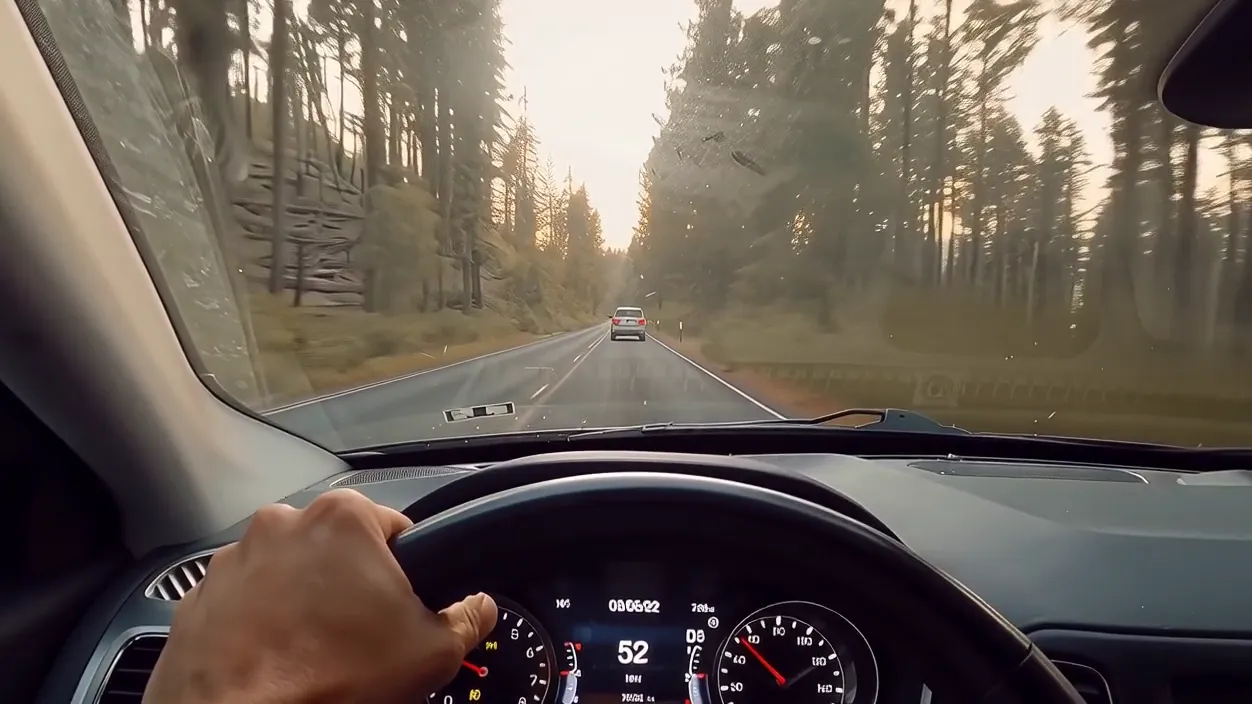
To edit GoPro video on EgoEdit.org, upload the MP4 straight from the card, trim the 3 to 10 seconds you want to fix and write one line, such as "remove the chest-mount strap at the bottom of the frame". The edit runs on those seconds only, and the ride, the camera shake and the horizon stay as you filmed them. A preview frame shows the change on one still first, so you can reword the line before spending credits on video.
Read
AI video editing prompts for first-person footage
An AI video editing prompt works best when it names one thing, says where it is, and says what should happen to it. The 24 presets below are written for first-person footage, where the camera sits on your head, chest, helmet or hand. Each one is a starting line you can paste into the editor and adjust: change the colour, the side of the frame or the object, keep the structure, and check it on a preview frame before you render.
ReadVideo inpainting: fill what you remove, frame by frame
Video inpainting means filling in part of a video so that whatever was there is gone and the background looks continuous across every frame. On EgoEdit.org you do it by prompt: trim 3 to 10 seconds, write what to remove or change, and the model rebuilds the hidden area while keeping the camera motion and timing. You do not paint a mask. A preview frame shows the inpainted result on one still before you render the whole trim.
Read