Video inpainting: fill what you remove, frame by frame

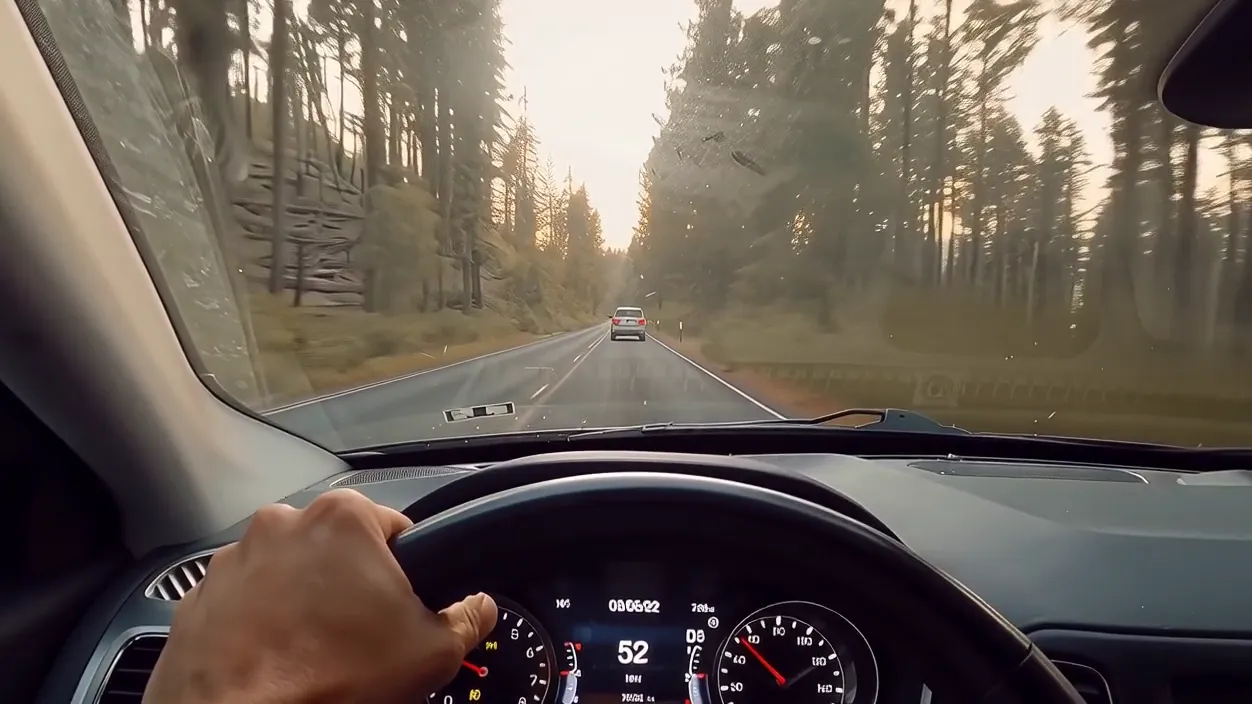
Driver's view of a forest road at golden hour, hand on the steering wheel, after Remove
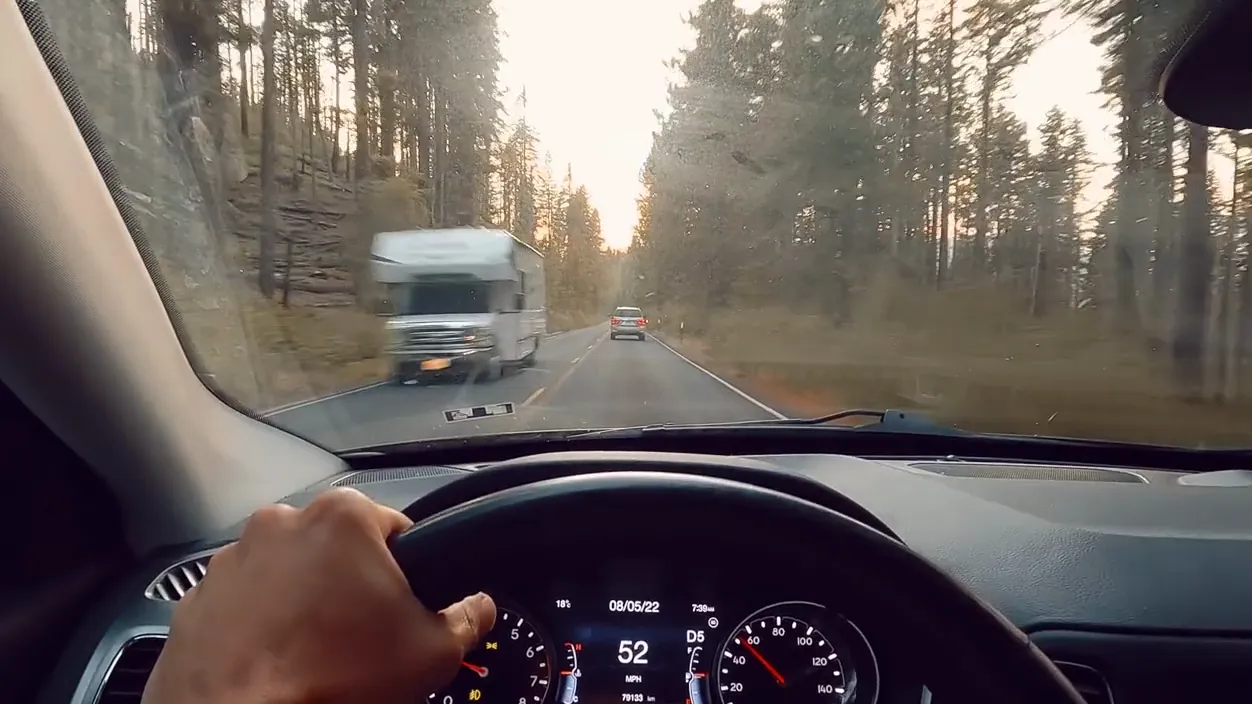
Driver's view of a forest road at golden hour, hand on the steering wheel, raw POV footage
RawFixed
Remove · “the white camper van coming toward us on the road”

Drop a POV clip here

MP4 or MOV, up to 95 MB and 10 minutes. Next you mark the seconds to fix.

Edit

Say what it is and where it sits in the frame. People can be removed, never added or changed.

Engine

Resolution

Sign up and get 28 free credits

28 credits once your email is confirmed: one frame preview of your clip.

Video inpainting means filling in part of a video so that whatever was there is gone and the background looks continuous across every frame. On EgoEdit.org you do it by prompt: trim 3 to 10 seconds, write what to remove or change, and the model rebuilds the hidden area while keeping the camera motion and timing. You do not paint a mask. A preview frame shows the inpainted result on one still before you render the whole trim.

Updated

Step by step

  1. 1

    Trim the shortest useful stretch

    Upload an MP4 or MOV and trim 3 to 10 seconds where the object is visible. The less the hidden area changes over the trim, the more stable the fill.

  2. 2

    Describe what to remove

    Choose Remove and name the object with its colour and position. Run a preview frame on the moment where it covers the most of the picture; that is the hardest frame to fill.

  3. 3

    Render and compare

    Pick an engine and 720p or 1080p, render, and play the original and the edit side by side. Watch the area where the object was for softness or shimmer before you download.

Best for

  • Erasing small objects against a simple background
  • Removing background people from your own footage
  • Cleaning mounts and sticks out of the edge of a POV frame
  • Testing whether a shot can be saved before a reshoot
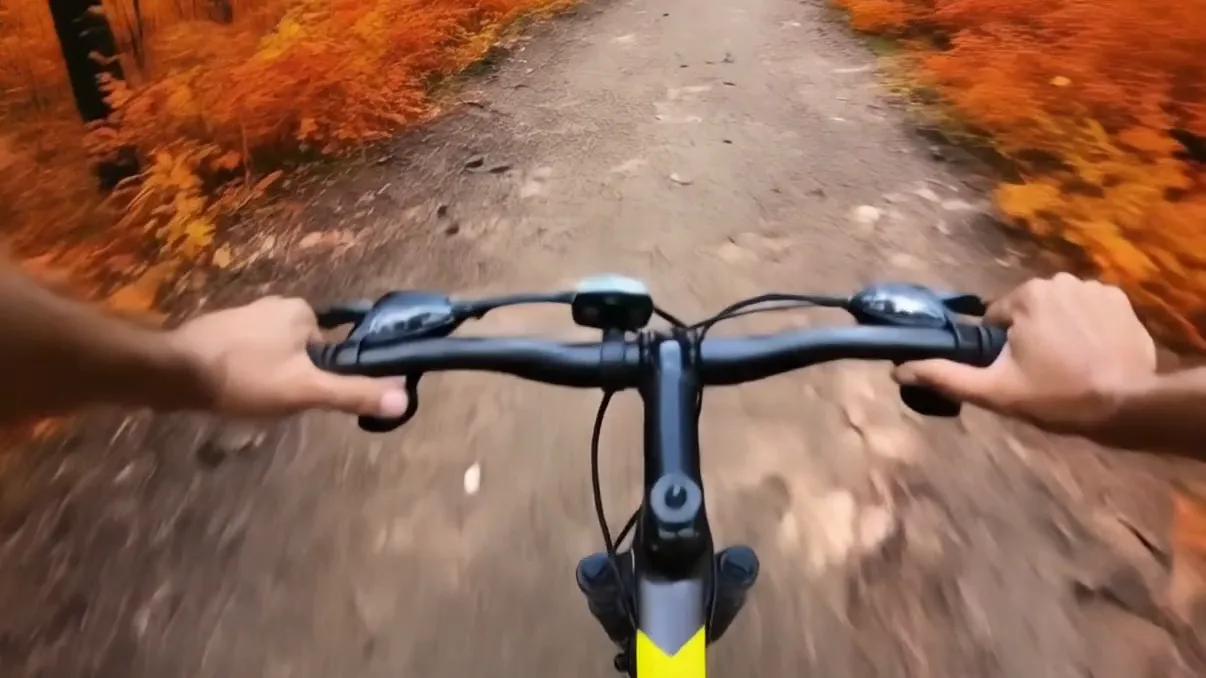
Mountain-bike point of view over the handlebars on a forest dirt trail, after Change
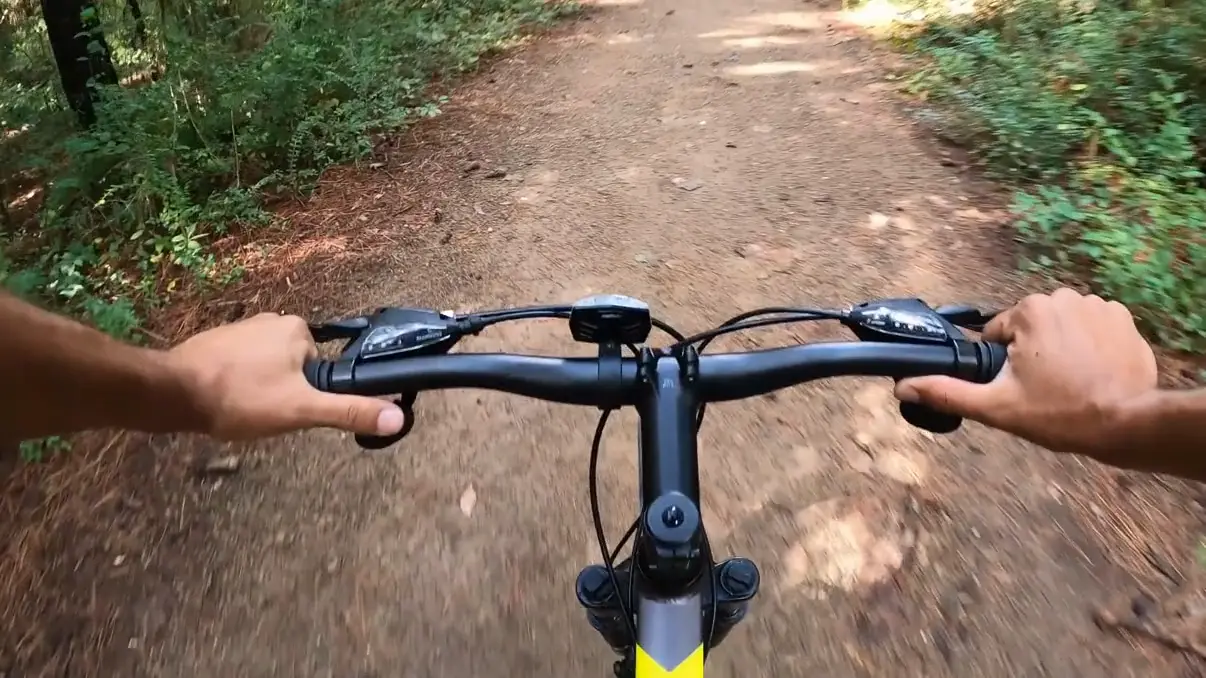
Mountain-bike point of view over the handlebars on a forest dirt trail, raw POV footage
RawFixed
Change · “turn the green summer forest into autumn, with orange and yellow leaves on the trees and on the trail”
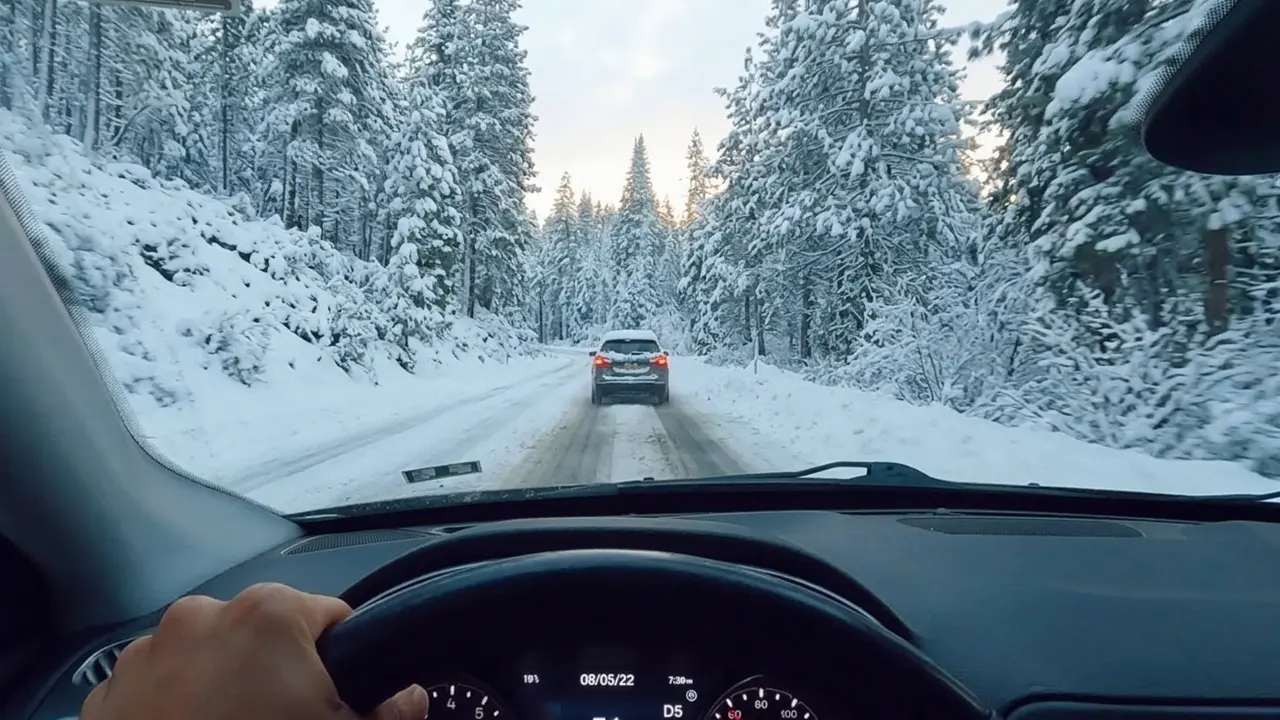
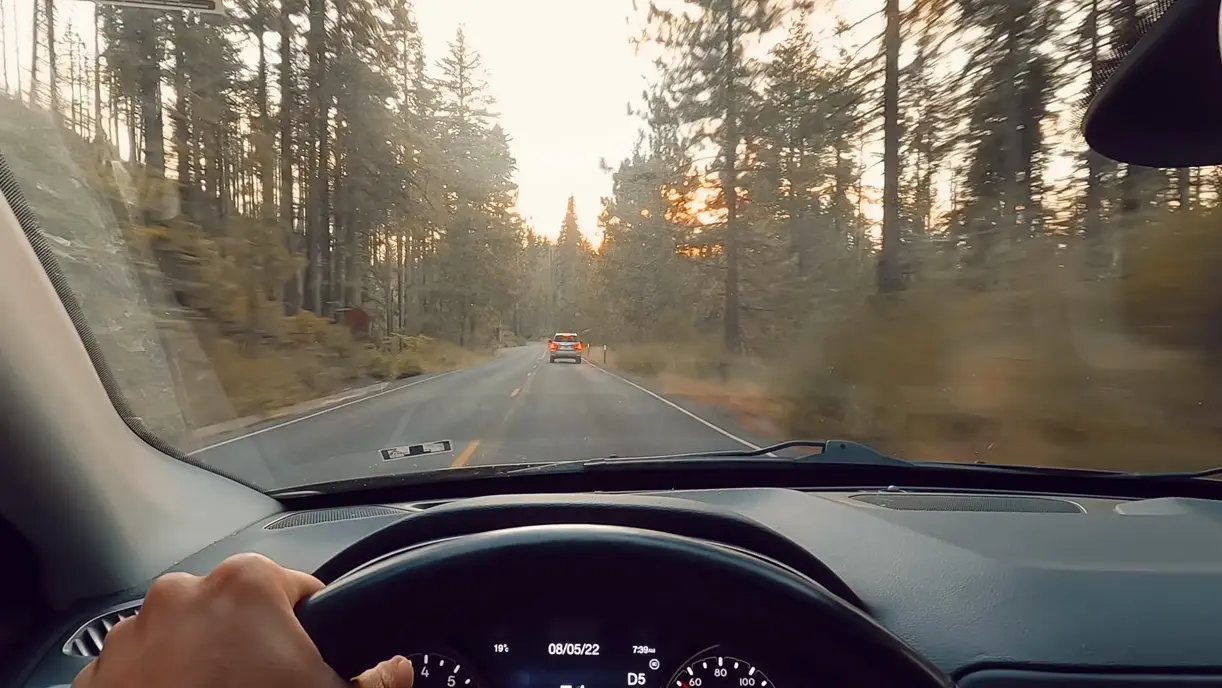
Driver's view of a pine-forest road at sunset with a car far ahead, after Change
Driver's view of a pine-forest road at sunset with a car far ahead, raw POV footage
RawFixed
Change · “cover the road, the trees and the roadside in fresh snow, like a winter morning”

01

How prompt-based inpainting works

Prompt-based inpainting finds the object from your words instead of a hand-painted mask, then generates the frames again with that area filled from the surrounding context. Classic inpainting copies pixels from nearby frames where the background was visible; generative models can also invent plausible texture where it never was. That is what lets them clean a mount that stays in view for the whole clip, and also why a fill can look slightly different from what was really behind the object.

02

What it handles well, and what it does not

It works well on small and medium objects against sky, road, grass, water, snow or walls, and on bystanders far from the camera. It struggles when the object covers a large part of the frame, passes in front of a person, or sits on complex patterns such as text or tiled floors. Expect occasional softness, a faint shadow left behind, or a nearby detail shifting slightly. A brush mask is not offered; the prompt and the preview frame do that job.

03

Honest limits of this tool

Each edit covers 3 to 10 seconds and renders at 720p or 1080p; longer clips need several edits joined in your editor. There is no 4K output. Inpainting is refused for watermarks, logos, captions and other ownership marks, and it is never used to add people or change who someone is. Use it on footage you shot or have permission to edit, and do not use it to hide what really happened in news or evidence footage.

Credits per render

The credit pack starts at $13.59 and the largest plan is $588.50 a year; the total for your marked seconds shows on the render button before anything runs. Plans and the credit pack

Credits per render by engine and resolution
StepCreditsMade by
Wan 2.7 VideoEdit, 720p97 per secondAlibaba
Wan 2.7 VideoEdit, 1080p119 per secondAlibaba
Kling 3.0 Omni, 720p112 per secondKuaishou
Kling 3.0 Omni, 1080p148 per secondKuaishou
Frame preview (one still)28Nano Banana 2.1 (Google)

FAQ

What is video inpainting?

It is filling part of every frame so a removed object disappears and the background looks continuous over time. Unlike image inpainting, the fill has to stay stable as the camera and scene move.

Do I need to draw a mask?

No. You describe the object in one line and the model locates it in each frame. If the preview frame shows the wrong area filled, make the description more specific.

Will the rest of my video change?

Both engines are told to keep everything else as filmed, but small drift can happen near the filled area. Compare with the original side by side before you use the result.

How long can the inpainted clip be?

Each edit covers 3 to 10 seconds of a clip you upload (MP4 or MOV, up to 95 MB and 10 minutes). For longer stretches, make several edits and join them in your editor.

Can it remove a watermark or logo?

No. Removing watermarks, logos, captions and other marks that show who owns footage is refused by policy, before anything is charged.