AI video editing prompts for first-person footage

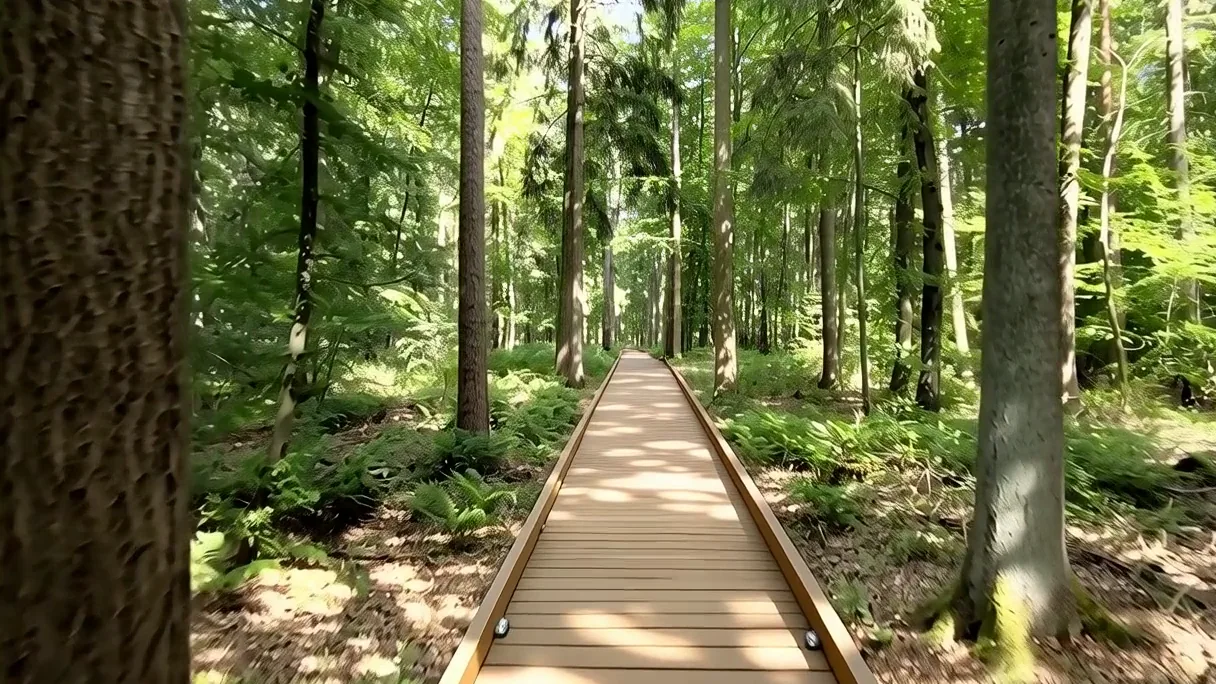
Walking point of view along a path through a sunny beech forest, after Replace
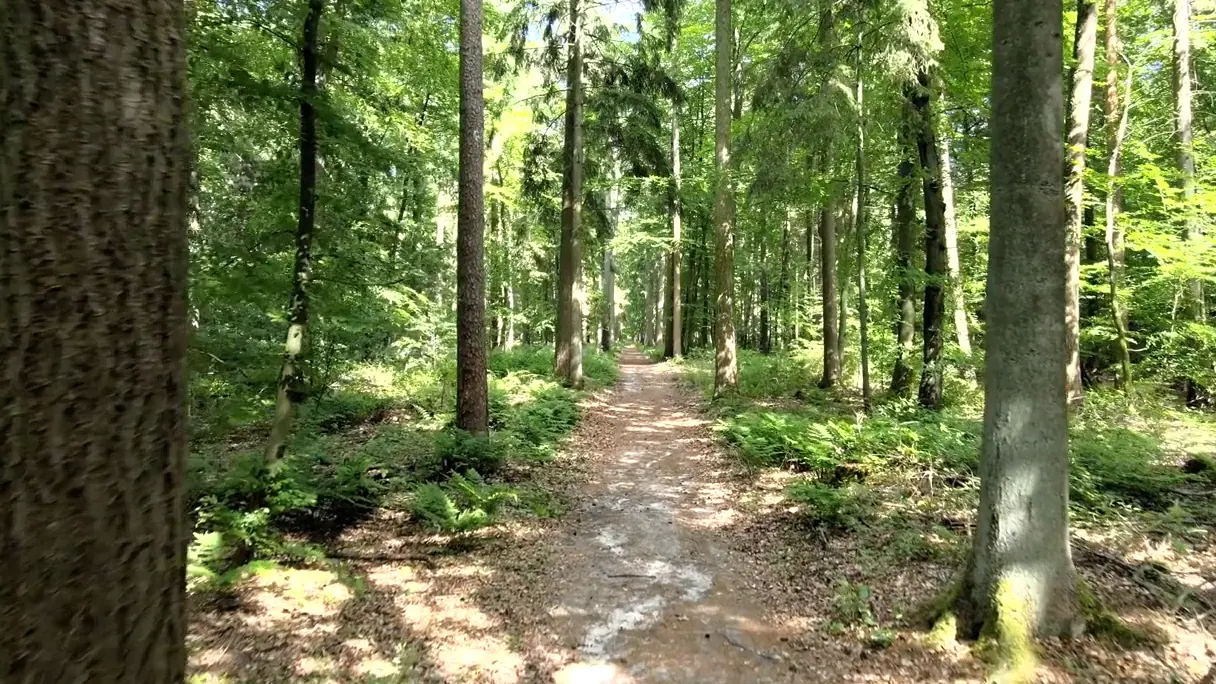
Walking point of view along a path through a sunny beech forest, raw POV footage
RawFixed
Replace · “replace the dirt path with a wooden boardwalk”

Drop a POV clip here

MP4 or MOV, up to 95 MB and 10 minutes. Next you mark the seconds to fix.

Edit

Say what it is and where it sits in the frame. People can be removed, never added or changed.

Engine

Resolution

Sign up and get 28 free credits

28 credits once your email is confirmed: one frame preview of your clip.

An AI video editing prompt works best when it names one thing, says where it is, and says what should happen to it. The 24 presets below are written for first-person footage, where the camera sits on your head, chest, helmet or hand. Each one is a starting line you can paste into the editor and adjust: change the colour, the side of the frame or the object, keep the structure, and check it on a preview frame before you render.

Updated

Step by step

  1. 1

    Pick the preset closest to your shot

    Find the preset that matches the job, then swap in your own details: the object, its colour and where it sits in the frame. Keep the line to one change.

  2. 2

    Test it on a preview frame

    Upload your clip, trim 3 to 10 seconds and run the line as a preview frame on the moment where the object is clearest. A still costs a fraction of a render and shows whether the model understood you.

  3. 3

    Render with the engine that fits

    Wan 2.7 VideoEdit is the default and keeps the original sound. Kling 3.0 Omni follows fast motion more sharply and returns a silent clip. The credit price for your trim shows before you start.

Best for

  • Getting a usable first line without trial and error
  • Learning the wording patterns that keep the rest of the shot steady
  • Choosing between Remove, Replace and Change for a job
  • Adapting one good line to a whole batch of similar clips
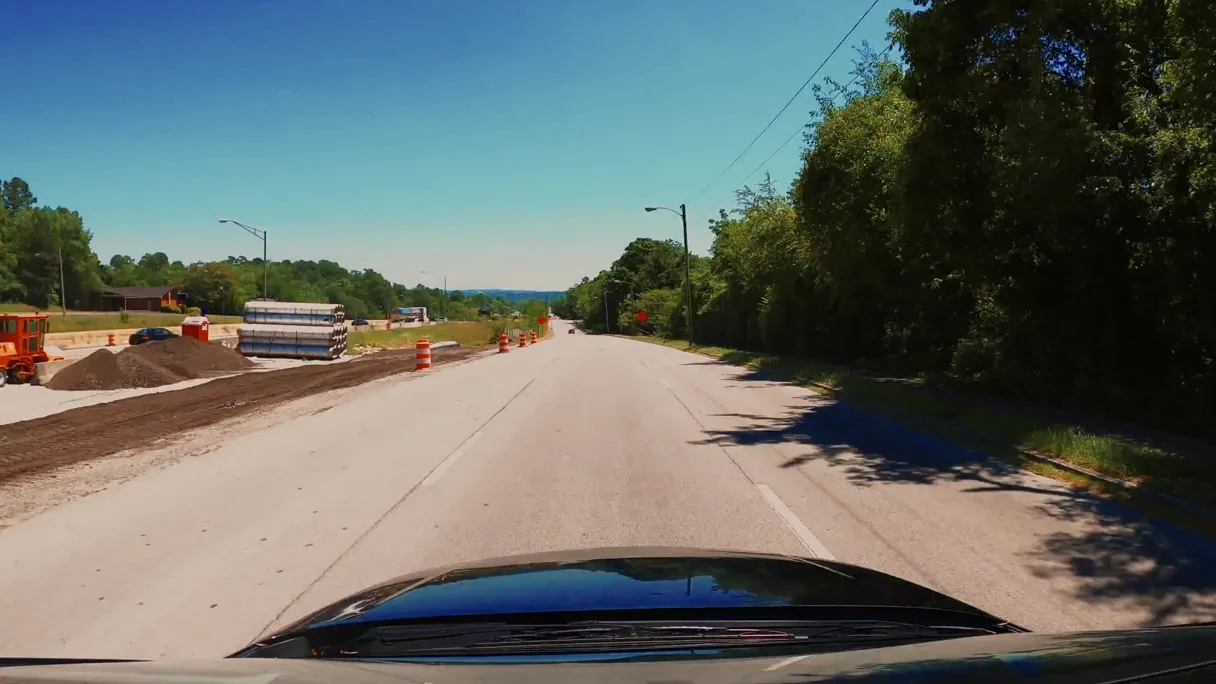
Hood-cam view of a straight road past roadworks under a clear sky, after Change
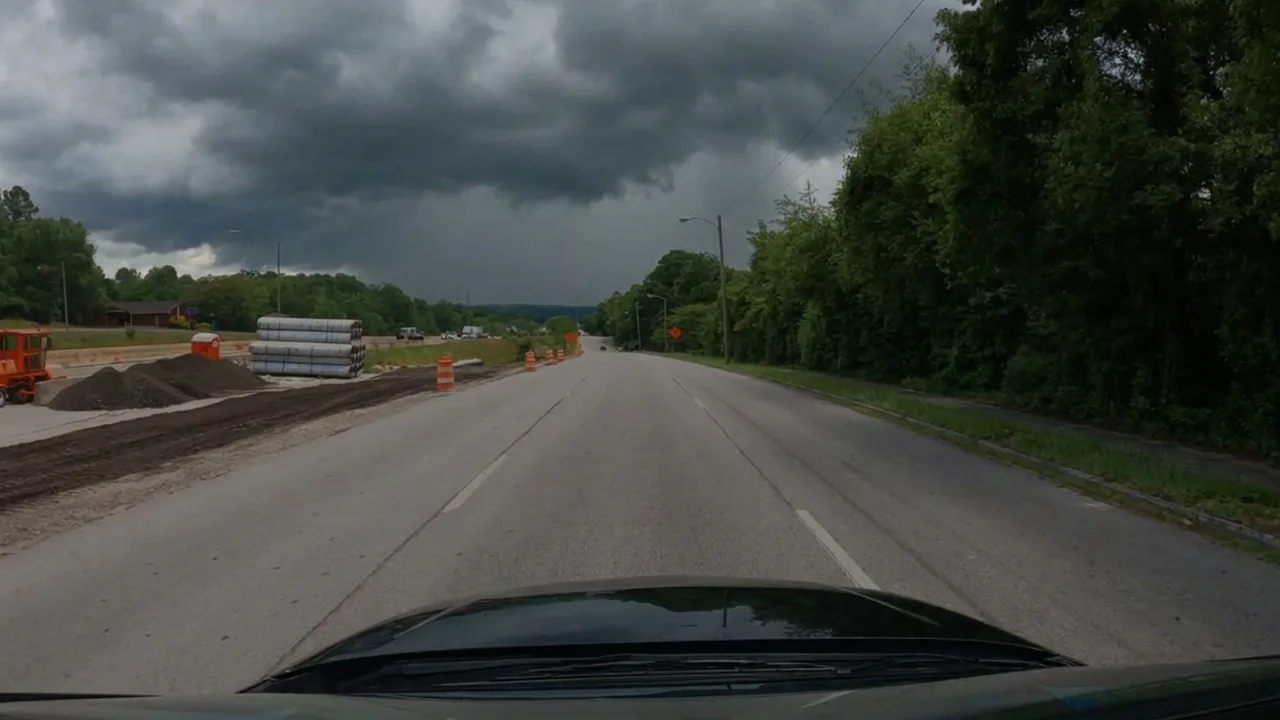
Hood-cam view of a straight road past roadworks under a clear sky, raw POV footage
RawFixed
Change · “make the sky dark and stormy with heavy grey clouds”
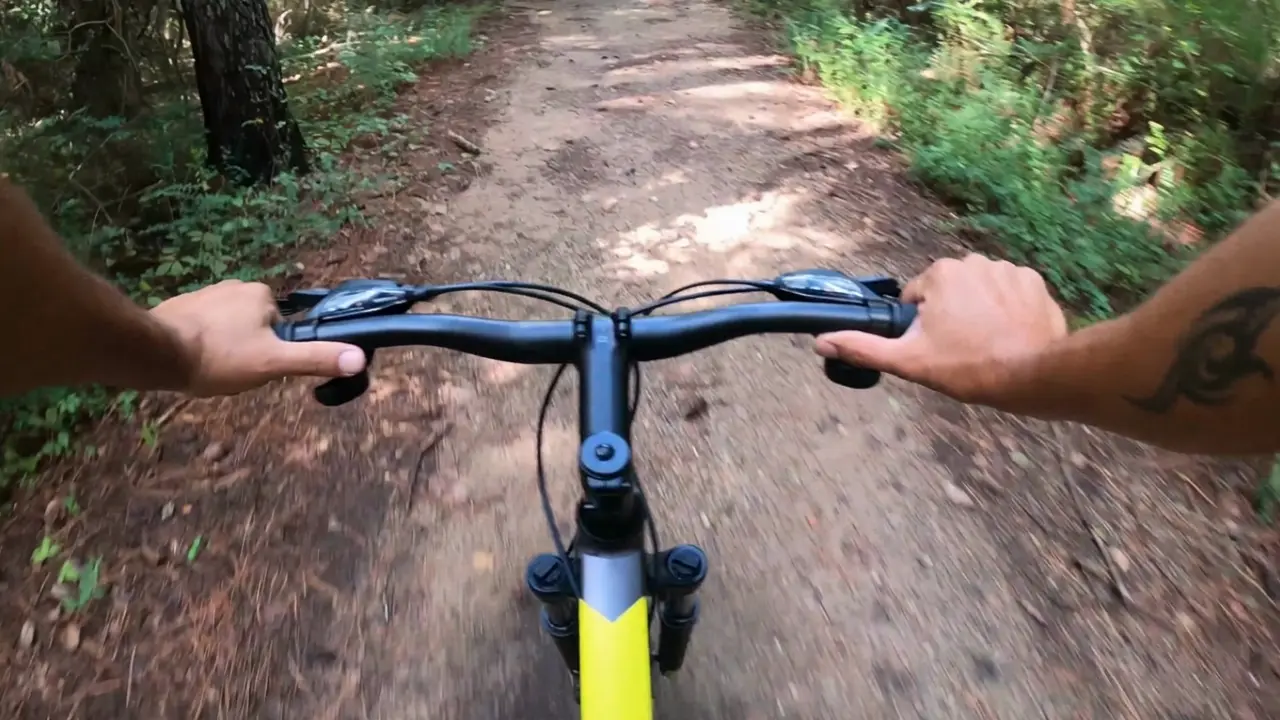
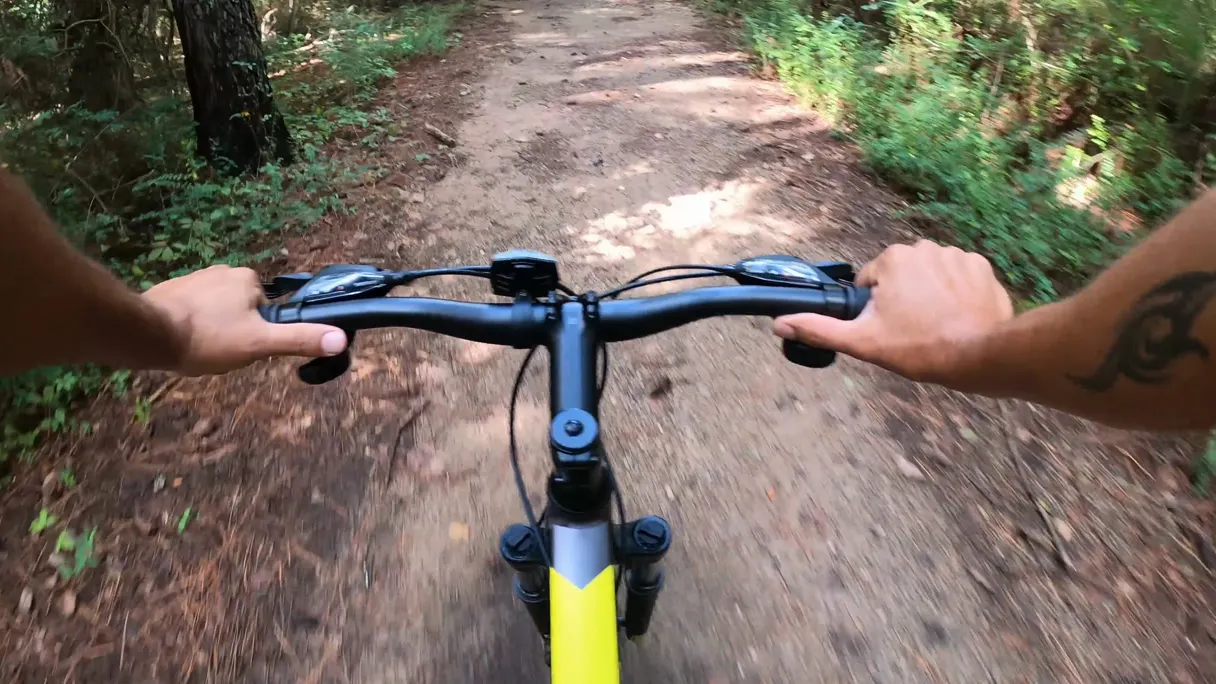
Handlebar point of view on a shaded forest trail, hands on the grips, after Remove
Handlebar point of view on a shaded forest trail, hands on the grips, raw POV footage
RawFixed
Remove · “the black bike computer and its mount on the handlebar”

01

Remove presets: take one thing out of the shot

Remove lines name the object and its place, and nothing else; the fill is implied. 1 "Remove the selfie stick and the hand holding it at the bottom of the frame." 2 "Remove the helmet mount visible along the top edge." 3 "Remove the shadow of the rider and the camera on the road." 4 "Remove the person walking in the background on the left." 5 "Remove the parked white van on the right side of the street." 6 "Remove the plastic bottle lying on the trail ahead." 7 "Remove the handlebar phone holder at the bottom centre." 8 "Remove the orange traffic cone in the middle of the path."

02

Replace presets: swap one item for another

Replace lines say what is there now and what it becomes, so the new item inherits the old one’s size, angle and motion. 9 "Replace the paper coffee cup in my hand with a red enamel mug." 10 "Replace the trail sign with a plain wooden sign." 11 "Replace the blue backpack on the bench with a green one." 12 "Replace the plastic chair on the balcony with a wooden deck chair." 13 "Replace the snowboard graphic with a plain black top sheet." 14 "Replace the takeaway box on the table with a plate of pasta." 15 "Replace the car in front of me with a vintage yellow taxi." 16 "Replace the kayak paddle blade colour with orange."

03

Change presets: alter the scene, keep the shot

Change lines describe one property of the whole scene and leave every object in place. 17 "Make the sky over the ridge clear and blue." 18 "Turn the snowy slope into a green summer meadow." 19 "Make the road surface wet after rain." 20 "Change the autumn leaves on the trees to bright spring green." 21 "Make the water in the lake calm and glassy." 22 "Make the light warm late-afternoon sun from the left." 23 "Add light fog between the trees in the distance." 24 "Clear the smudge-like blur area in the top-right corner." Big jumps, such as noon to night, work better on wide shots than close-ups.

Credits per render

The credit pack starts at $13.59 and the largest plan is $588.50 a year; the total for your marked seconds shows on the render button before anything runs. Plans and the credit pack

Credits per render by engine and resolution
StepCreditsMade by
Wan 2.7 VideoEdit, 720p97 per secondAlibaba
Wan 2.7 VideoEdit, 1080p119 per secondAlibaba
Kling 3.0 Omni, 720p112 per secondKuaishou
Kling 3.0 Omni, 1080p148 per secondKuaishou
Frame preview (one still)28Nano Banana 2.1 (Google)

FAQ

What makes a good AI video editing prompt?

Name one object or property, say where it is in the frame, and say what should happen to it. Short, specific lines like "remove the white van on the right" beat long scene descriptions.

Can I add an object that is not in the shot?

Small, plausible additions to the scene, such as fog or a wet road, work with Change. Adding people is not allowed, and new objects usually look better as a Replace of something already there.

Can I list several changes in one prompt?

You can, but results are less reliable. Render one change, download it, upload the result and make the next change on top.

Which prompts are refused?

Removing watermarks, logos or captions, adding or altering real people, face swaps, sexual content and anything involving minors. Refused lines are stopped before any credits are charged.

Do prompts work in languages other than English?

Yes. You can write the line in any of the site’s languages; it is passed to the model with the same structure as the English presets.