
Remove objects from video with a prompt: built for POV footage
Edit first-person video with a sentence: remove, replace or change what's in the shot. Mark 3 to 10 seconds of your GoPro, helmet-cam or phone clip, check the edit on one still, then render it.
Drop a POV clip here
MP4 or MOV, up to 95 MB and 10 minutes. Next you mark the seconds to fix.
Edit
Say what it is and where it sits in the frame. People can be removed, never added or changed.
Engine
Resolution
28 credits once your email is confirmed: one frame preview of your clip.
Before and after
First-person clips, one change each
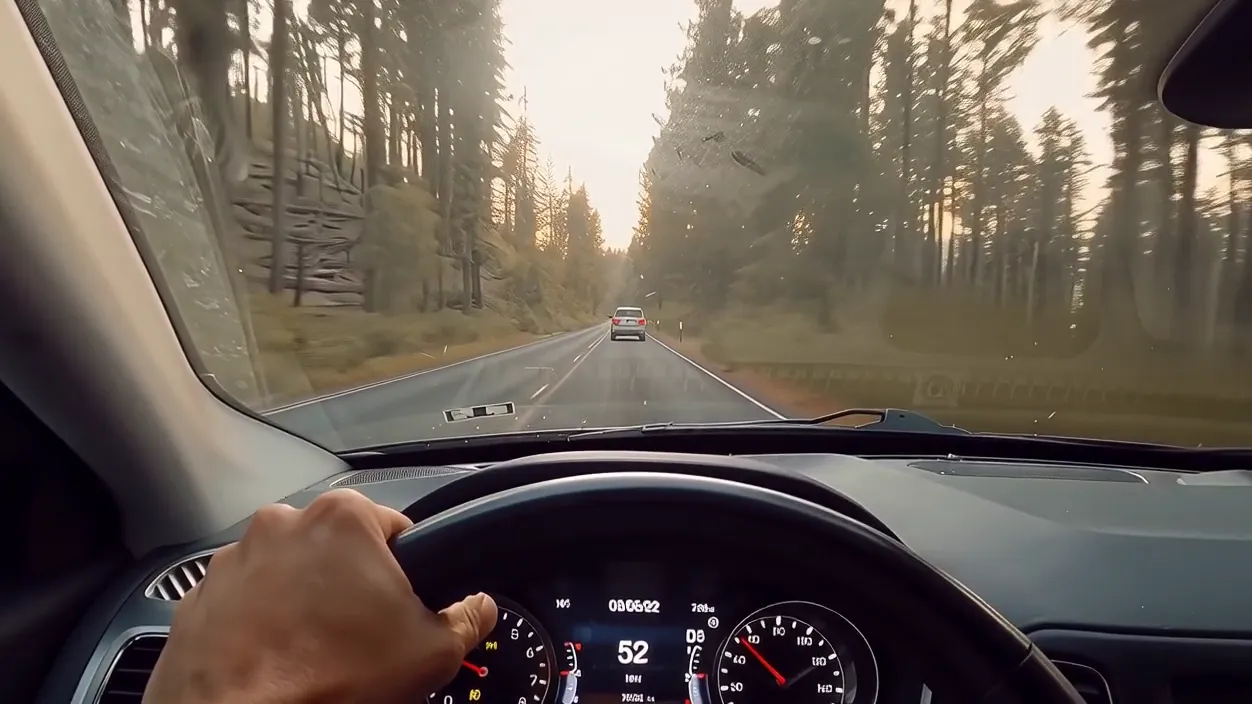
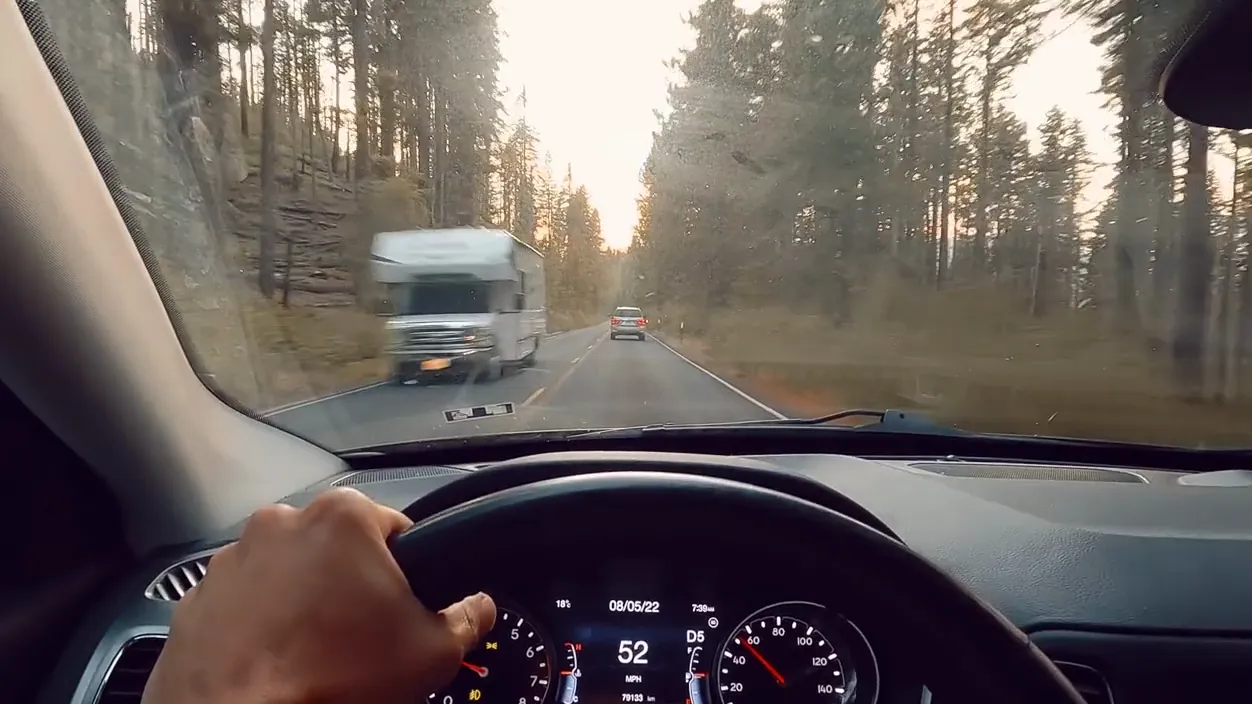
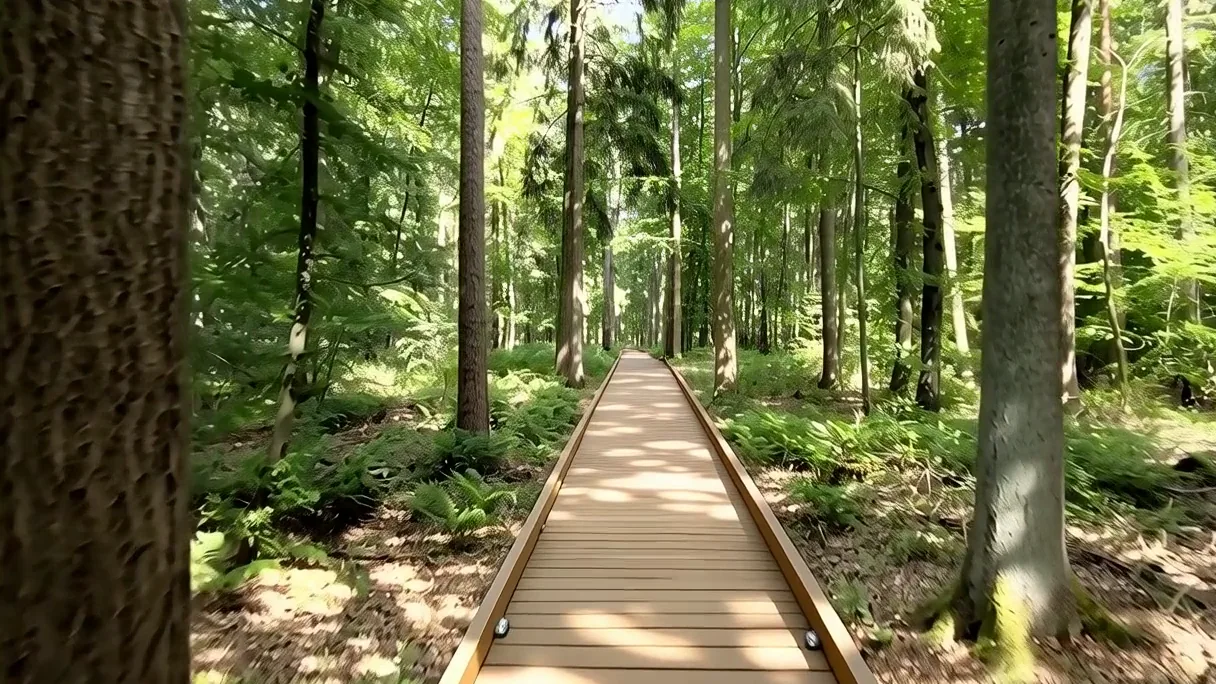
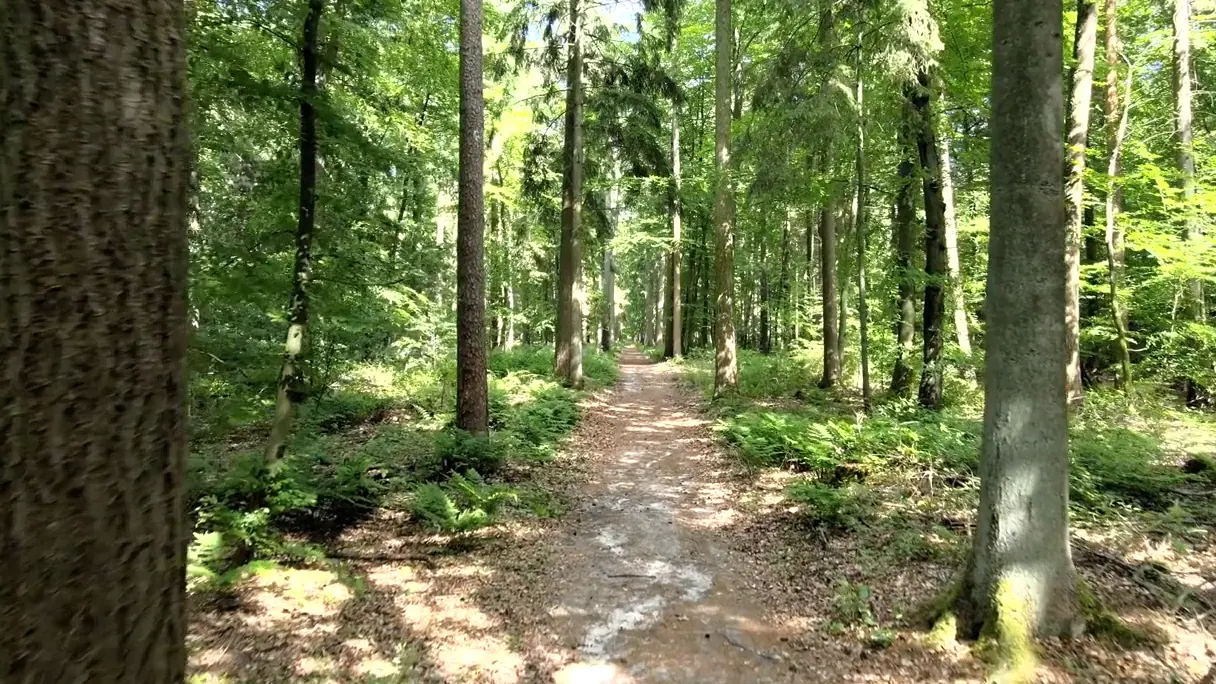
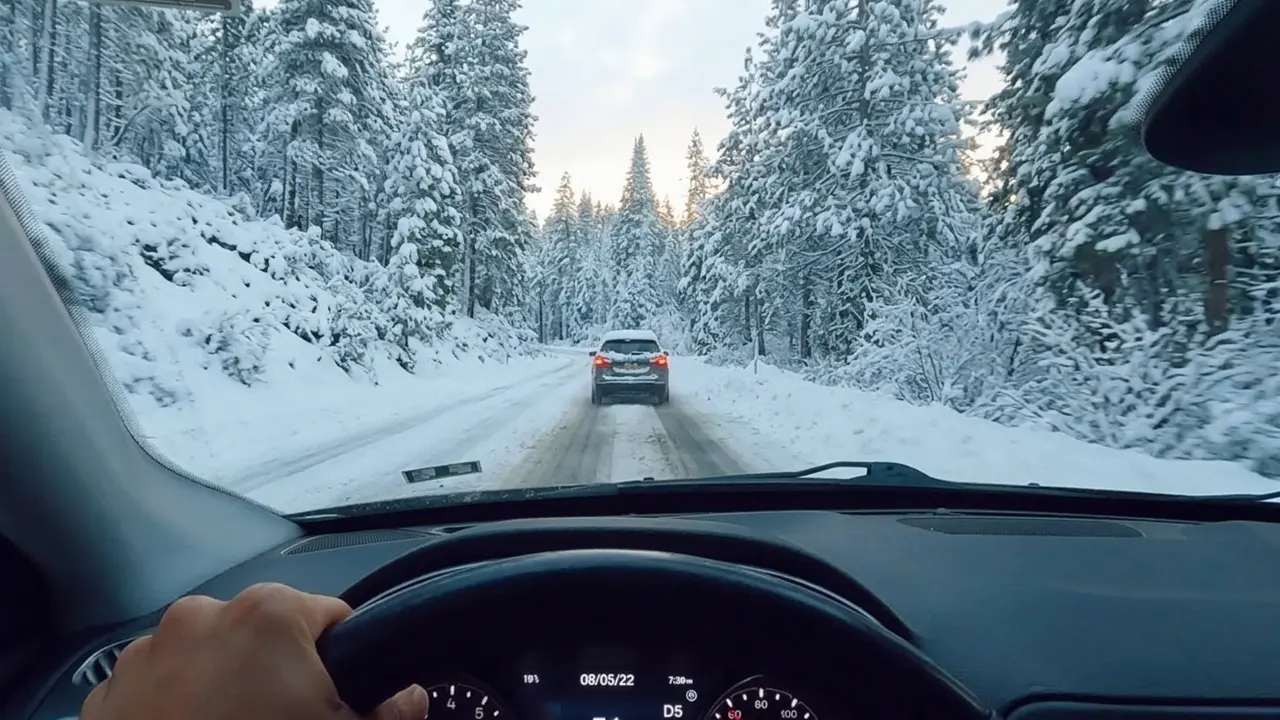
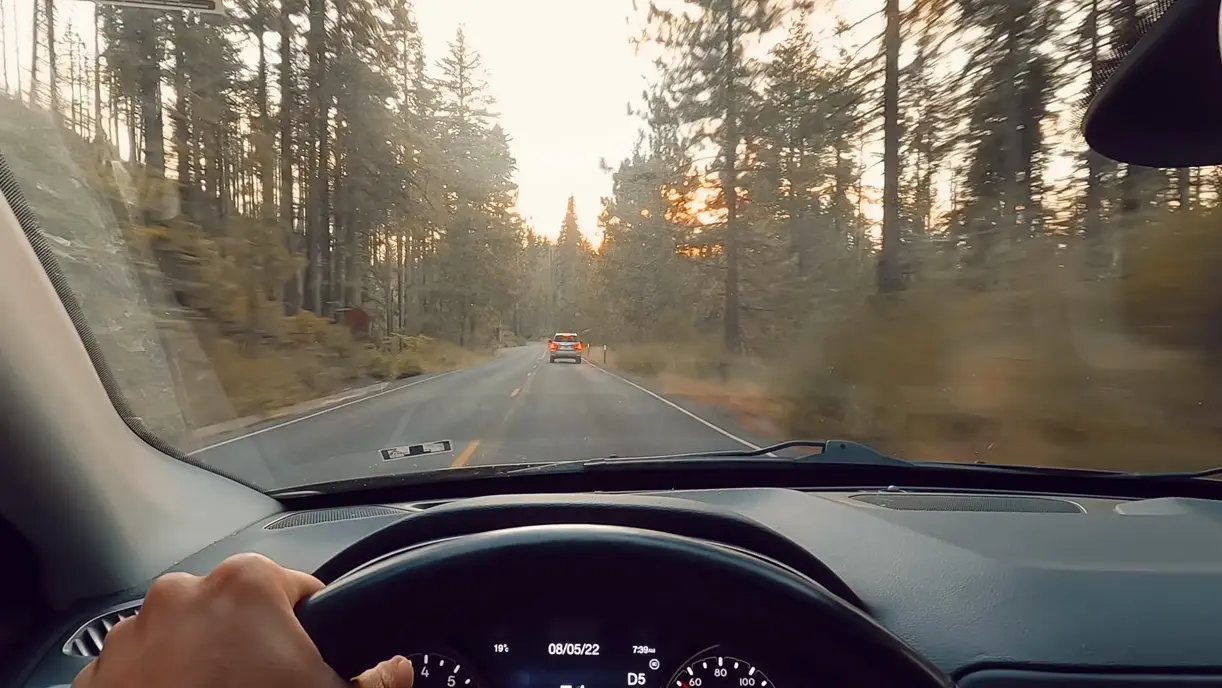
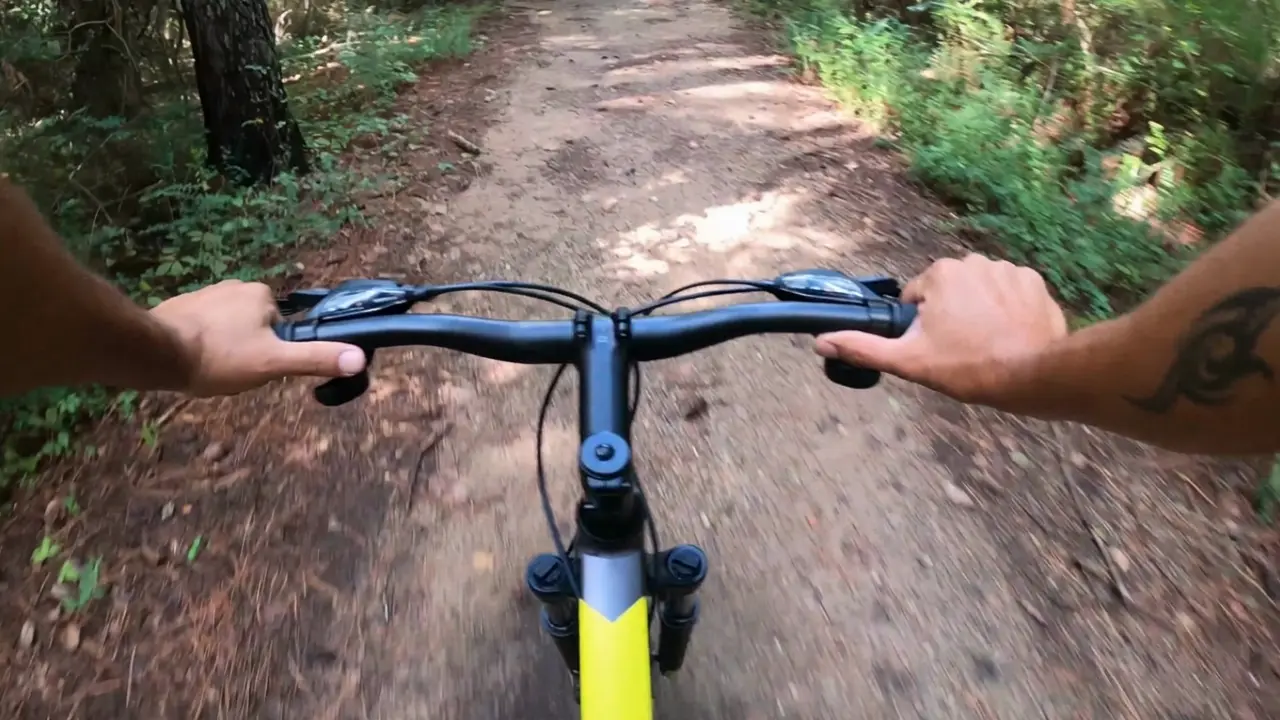
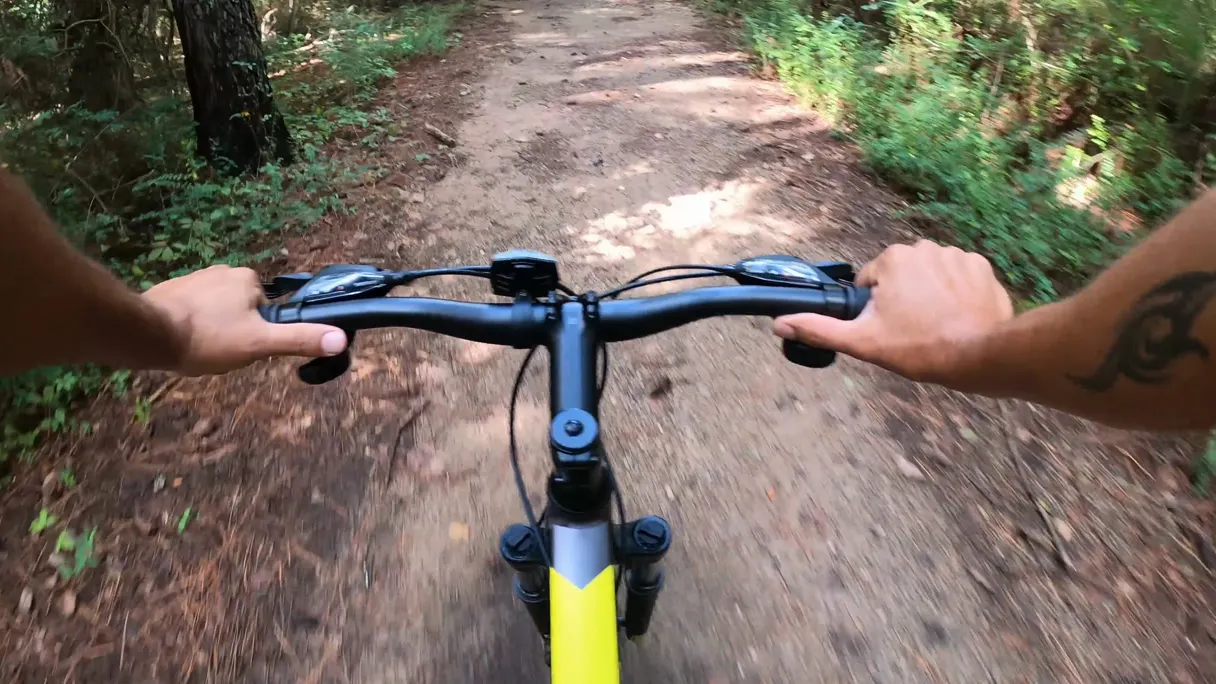
Every pair is an unretouched run on our own POV test footage, shown with the exact line that was typed. Drag the bar to compare.
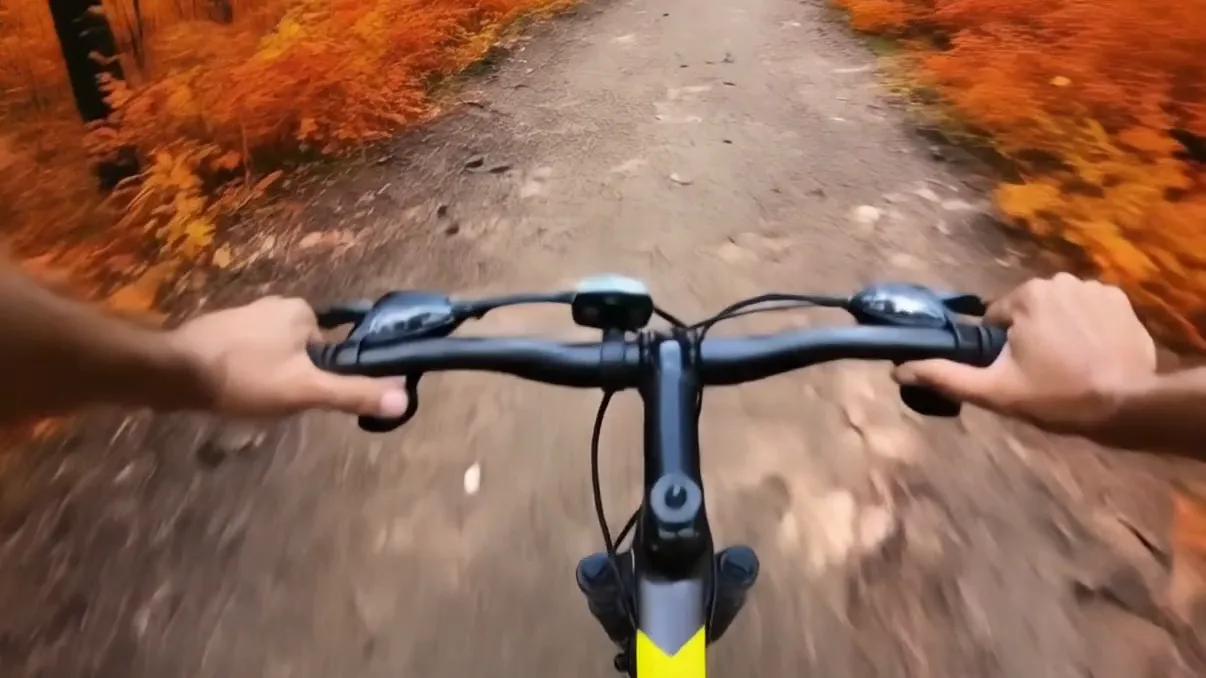
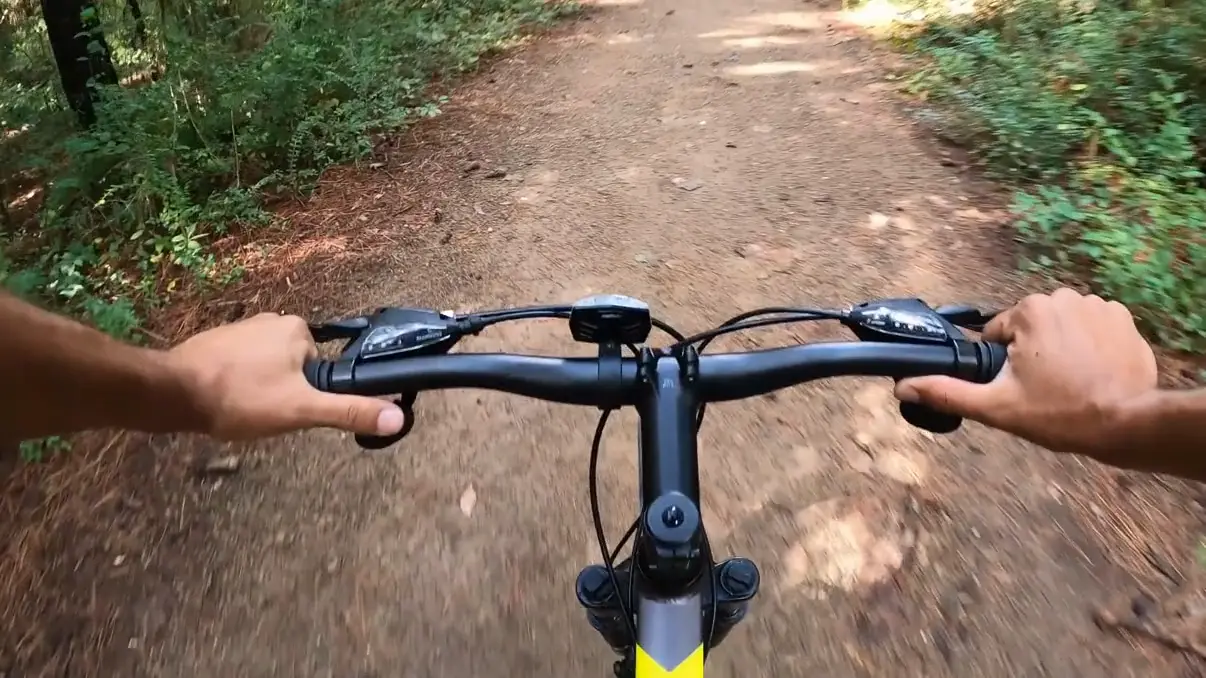
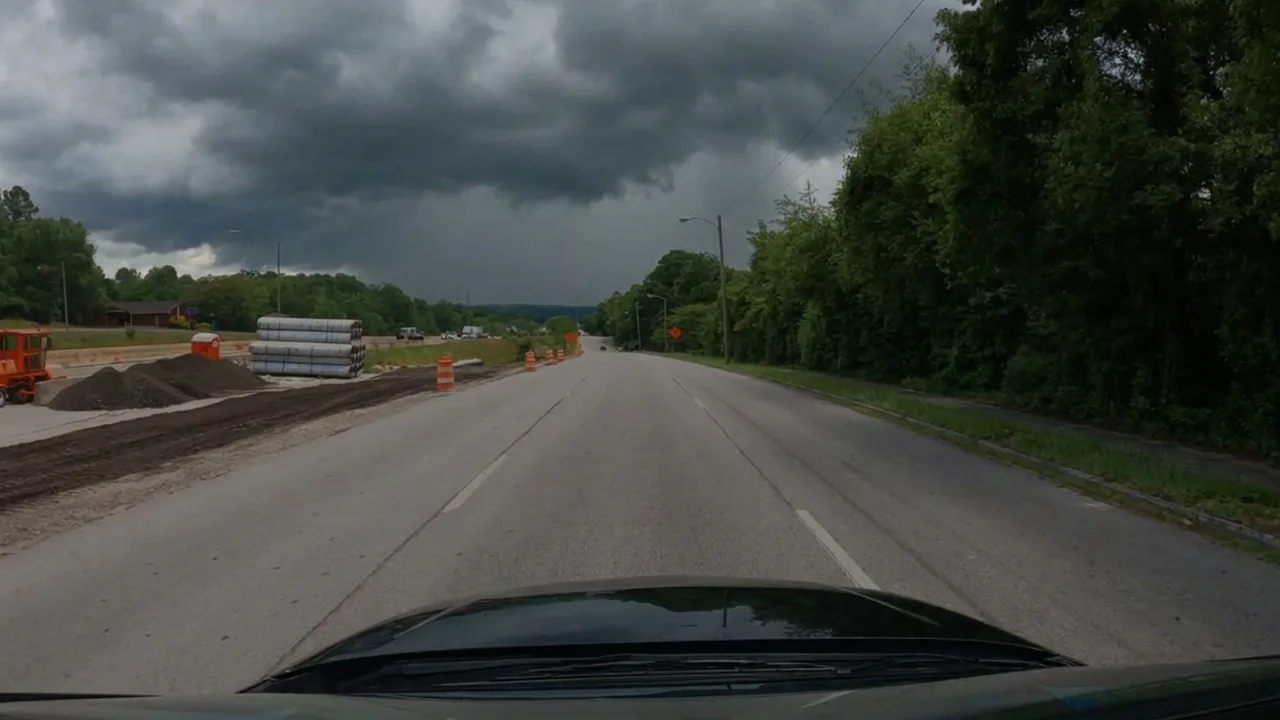
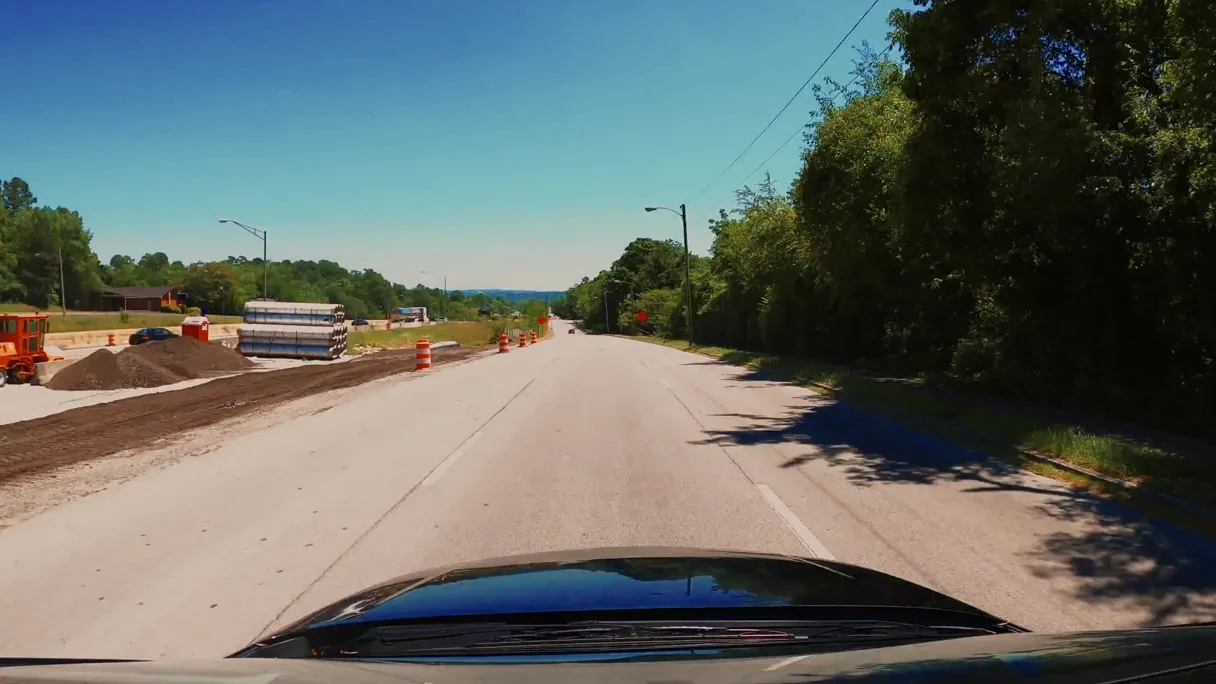
What you can fix
Made for footage shot from your own point of view
Helmet, chest, head and handheld cameras pick up things you never meant to film. Every edit is told to leave the camera motion, the framing and the timing alone.
- 01
Remove
Take out the selfie stick, the mount's shadow, a bystander in the background or a stray strap across the lens edge.
- 02
Replace
Swap one thing for another in place: the trail sign, the coffee cup in a kitchen POV, the board under your feet.
- 03
Change
Make one change across the clip: a stormy sky, snow turned to summer grass, a calmer colour of water.
- 04
Frame preview
See the fix on one still taken at your playhead before you pay for seconds of video.
- 05
Two engines
Wan 2.7 VideoEdit keeps the original sound; Kling 3.0 Omni holds fast motion more sharply. Pick per render.
Three steps
How to remove an object from a POV video
Cutting, cropping and muting are free. Credits go only on a frame preview or a render.
- 01
Upload and mark the seconds
Drop a GoPro, helmet-cam, dash or phone clip (MP4 or MOV, up to 95 MB and 10 minutes). Scrub to the moment and keep 3 to 10 seconds; crop to 16:9, 9:16 or 1:1 if you want.
- 02
Type the fix, check one frame
Pick Remove, Replace or Change and describe it: "remove the selfie stick", "make the sky stormy". A frame preview shows the fix on a single still before the video render.
- 03
Pick an engine and render
Render on Wan 2.7 VideoEdit, which keeps your sound, or Kling 3.0 Omni for sharper motion. Wipe between raw and fixed, then download the MP4. A failed render gives its credits back.
Credits
What a render costs
Renders are charged per second of the part you marked, by engine and resolution. The total is on the render button before anything runs.
| Step | Credits | Made by |
|---|---|---|
| Wan 2.7 VideoEdit, 720p | 97 per second | Alibaba |
| Wan 2.7 VideoEdit, 1080p | 119 per second | Alibaba |
| Kling 3.0 Omni, 720p | 112 per second | Kuaishou |
| Kling 3.0 Omni, 1080p | 148 per second | Kuaishou |
| Frame preview (one still) | 28 | Nano Banana 2.1 (Google) |
Every render bills at least 3 seconds. Wan 2.7 VideoEdit keeps the clip's sound; Kling 3.0 Omni renders silent. Failed renders are refunded, and a clip the upload check turns down is never charged.
Plans
Plans for the occasional ride or a full season of footage
A monthly or yearly plan for regular edits, or the Lens Kit for one trip. Your first 28 credits are free: a frame preview of your own clip.
Point of View
For riders and vloggers fixing a few POV clips a month
$11.33/month
$135.90 billed once a year
or $13.59 billed monthly
- 3,260 credits a month
- Roughly 6 five-second Wan edits a month at 720p
- 39,120 credits a year, 3,260 added each month
- Remove, replace or change one thing per render
- Trim, crop and mute free before you render
Helmet Cam
For weekly action-cam edits: remove, replace, change
$20.74/month
$248.90 billed once a year
or $24.89 billed monthly
- 6,548 credits a month
- Roughly 13 five-second Wan edits a month at 720p
- 78,576 credits a year, 6,548 added each month
- Remove, replace or change one thing per render
- Trim, crop and mute free before you render
- API keys and the MCP server
Wide Angle
For creators and small studios editing first-person footage at volume
$49.04/month
$588.50 billed once a year
or $58.85 billed monthly
- 17,838 credits a month
- Roughly 36 five-second Wan edits a month at 720p
- 214,056 credits a year, 17,838 added each month
- Remove, replace or change one thing per render
- Trim, crop and mute free before you render
- API keys and the MCP server
Credit pack
Paid once, never renews, never expires. Good for one trip or one project.
Lens Kit · $45.05
9,548 credits that never expire, roughly 19 five-second Wan edits at 720p.
28 free credits at sign-up: confirm your email and they land in your account, no card needed. That covers one frame preview of your own clip. One grant per mailbox. They never expire.
Changed your mind? Ask within 7 days of a monthly payment, 21 of a yearly one or 14 of a pack, as long as no more than 10% of its credits were spent. You get back the unspent share.
Questions about editing POV video
How do I remove an object from a POV video?
Upload the clip, mark the 3 to 10 seconds where the object is in the way, choose Remove and describe it with where it sits, for example "the selfie stick at the bottom right". Check a frame preview, then render on the engine you prefer and download the MP4.
Can I remove a watermark or a logo?
No. Watermarks, logos, captions and channel tags show who owns footage, so removing them is refused before anything is charged, whoever filmed the clip.
How long can the clip be?
You can upload up to 10 minutes and 95 MB, and each edit covers 3 to 10 seconds of it. Longer moments take several edits, one after another.
Will the rest of my video change?
Each edit is told to keep the camera motion, framing, timing and everything you did not name. Prompt-based edits can still drift a little, with flicker or small changed details, which is why the 28-credit frame preview comes first and the 10-second cap keeps each job short.
Can I remove a person?
Yes, from your own footage, such as a bystander in the background of your ride. Adding people, changing who someone is, swapping faces or making anyone appear to do something are not allowed, and such lines are refused before any charge.
What does a render cost?
Wan 2.7 VideoEdit is 97 credits a second at 720p (119 at 1080p); Kling 3.0 Omni is 112 (148 at 1080p). A frame preview is 28. A 5-second Wan edit at 720p comes to 485.
Every questionMore answers in the help centerEdit clips from your AI assistant (MCP)
Updated
Got a great POV shot with one thing in the way?
Mark the seconds, type what should go, and check it on a frame before you render.