Edit GoPro video by typing the change

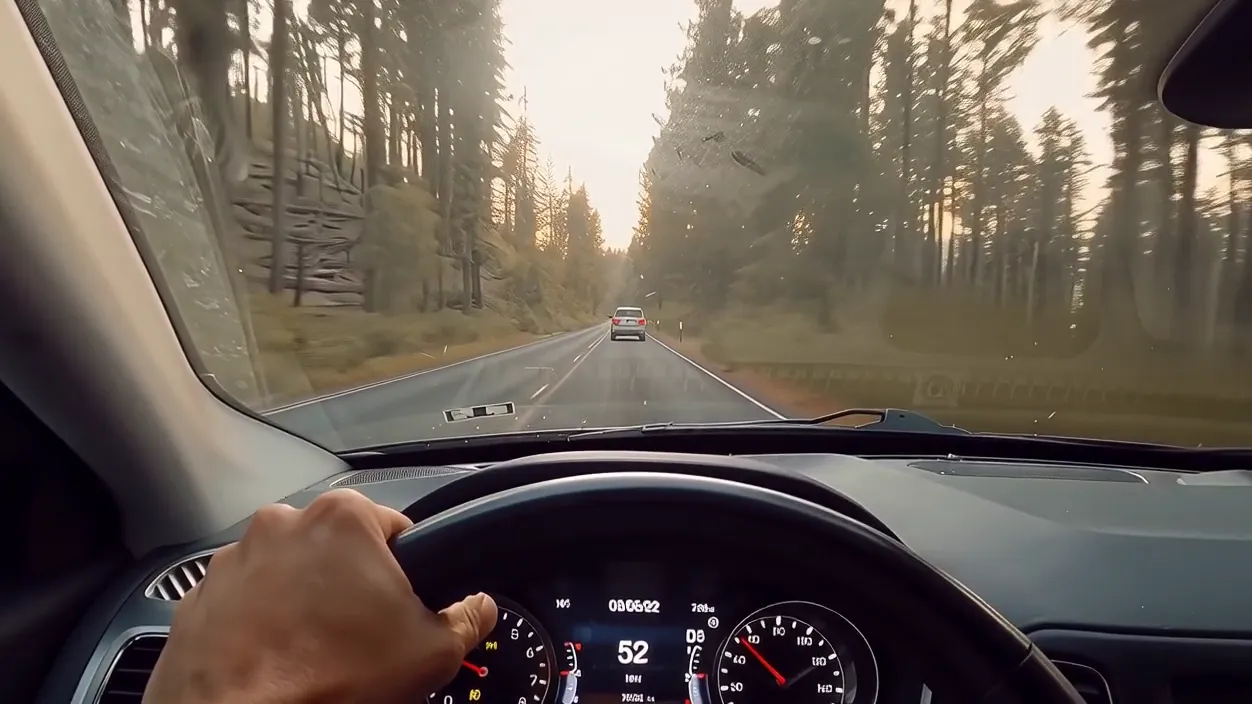
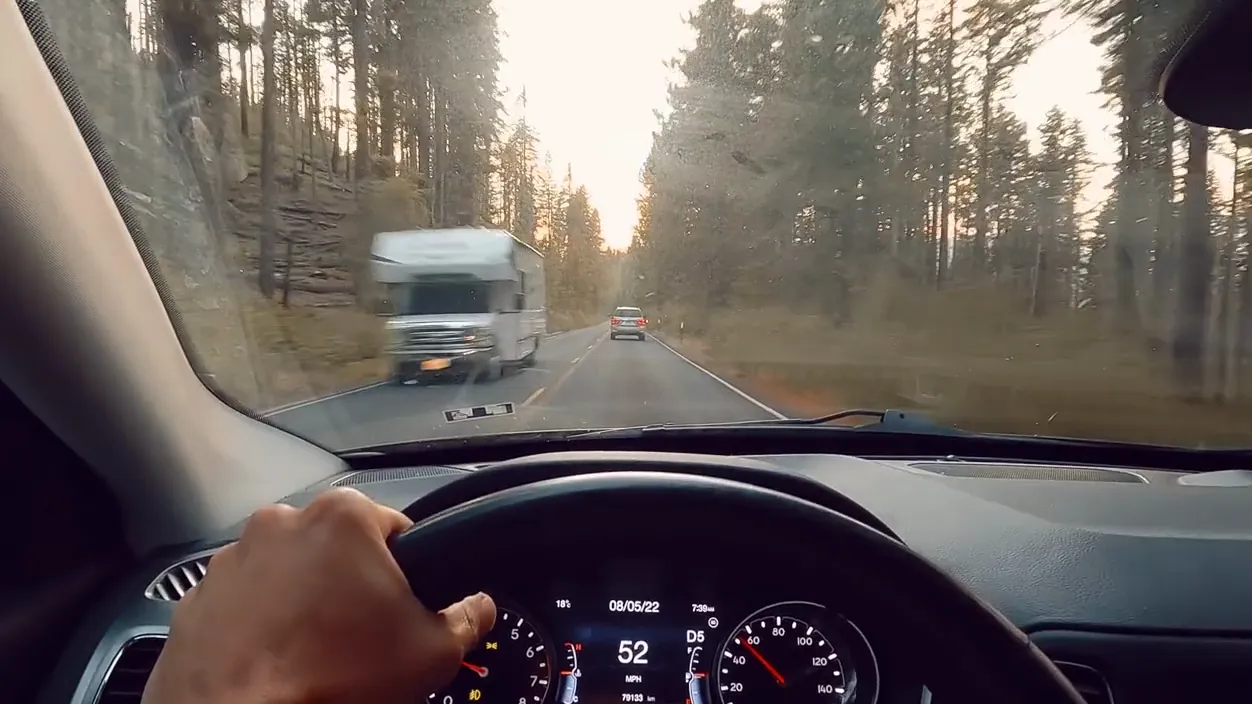
Driver's view of a forest road at golden hour, hand on the steering wheel, after Remove
Driver's view of a forest road at golden hour, hand on the steering wheel, raw POV footage
RawFixed
Remove · “the white camper van coming toward us on the road”

Drop a POV clip here

MP4 or MOV, up to 95 MB and 10 minutes. Next you mark the seconds to fix.

Edit

Say what it is and where it sits in the frame. People can be removed, never added or changed.

Engine

Resolution

Sign up and get 28 free credits

28 credits once your email is confirmed: one frame preview of your clip.

GoPro is a trademark of GoPro, Inc. EgoEdit.org is independent and not affiliated with GoPro.

To edit GoPro video on EgoEdit.org, upload the MP4 straight from the card, trim the 3 to 10 seconds you want to fix and write one line, such as "remove the chest-mount strap at the bottom of the frame". The edit runs on those seconds only, and the ride, the camera shake and the horizon stay as you filmed them. A preview frame shows the change on one still first, so you can reword the line before spending credits on video.

Updated

Step by step

  1. 1

    Upload the clip from the card

    Drop an MP4 or MOV up to 95 MB and 10 minutes long; 4K files are downscaled for the edit, and 24 to 60 fps clips are accepted. Scrub to the moment you want to fix and trim 3 to 10 seconds around it. Cropping to 16:9, 9:16 or 1:1 and muting are free.

  2. 2

    Write one line and check a frame

    Pick Remove, Replace or Change and describe the thing by what it is and where it sits in the frame. Run the preview frame on the second where it is most visible; if the still is wrong, change the wording, not the render.

  3. 3

    Choose an engine and render

    Wan 2.7 VideoEdit is the default and keeps the clip’s own sound; Kling 3.0 Omni handles fast motion more sharply but returns a silent clip. Pick 720p or 1080p, see the credit price, render, then compare with the original and download the MP4.

Best for

  • Erasing a mount, strap or handlebar clamp that creeps into frame
  • Taking a stranger or a parked car out of the background
  • Swapping a sign, a cup or a board graphic for something else
  • Making one change to the scene, such as a clear sky over the trail
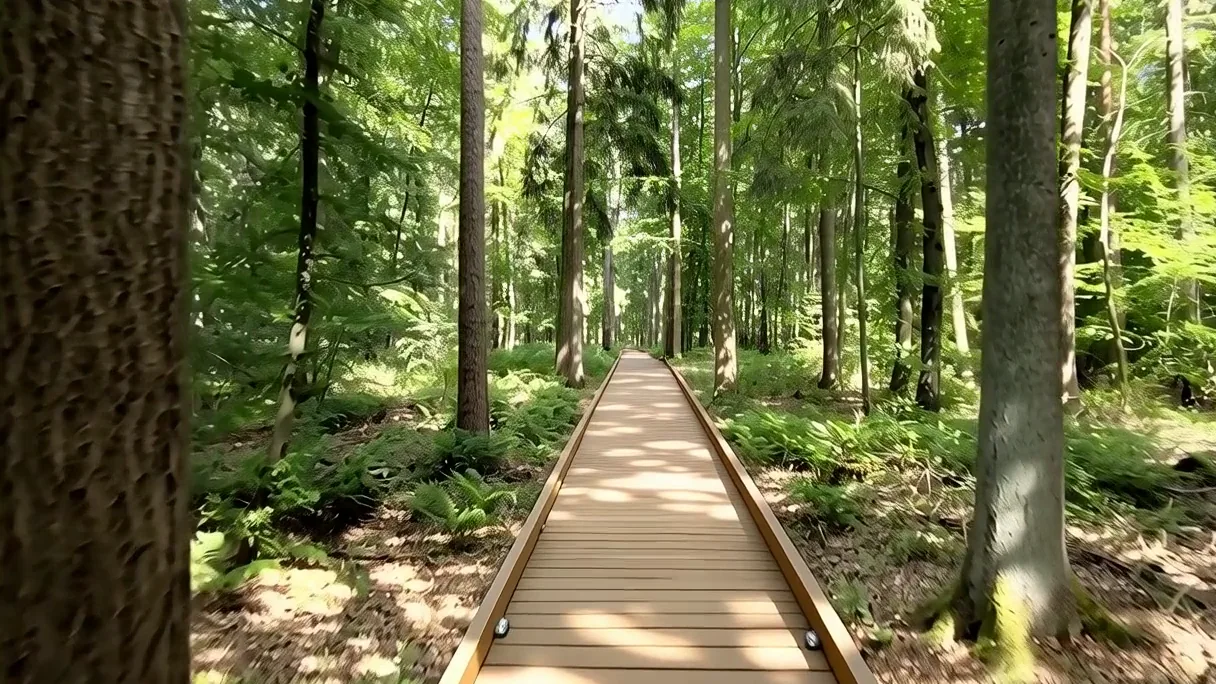
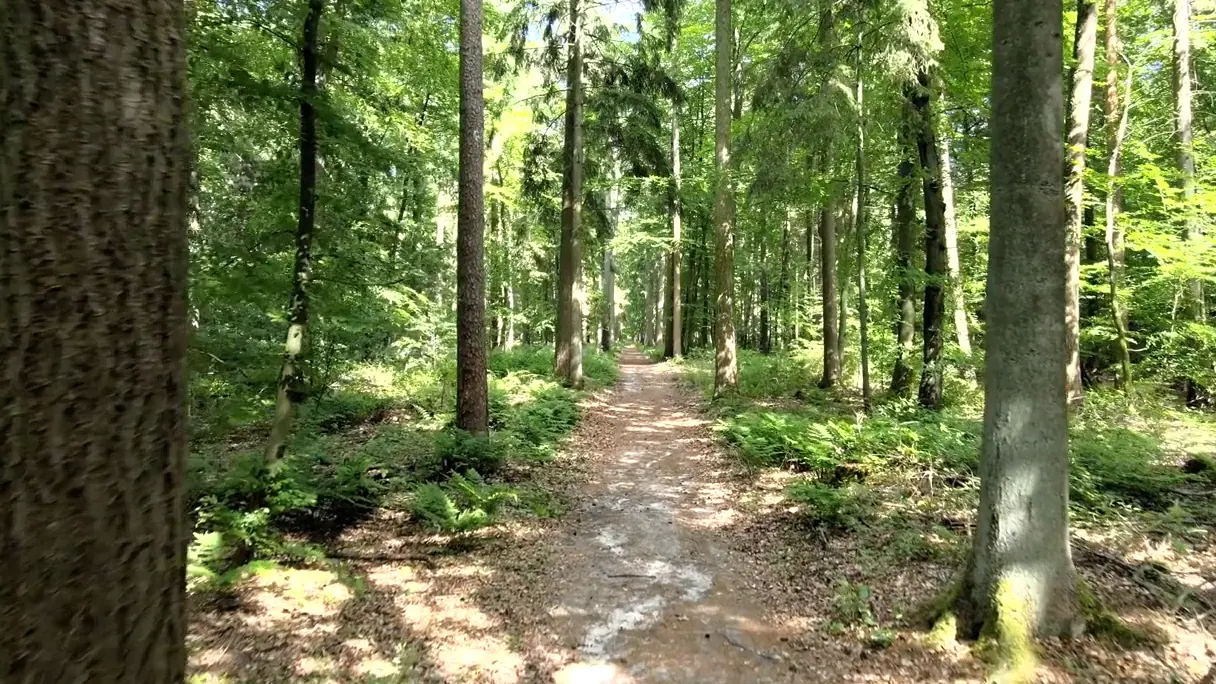
Walking point of view along a path through a sunny beech forest, after Replace
Walking point of view along a path through a sunny beech forest, raw POV footage
RawFixed
Replace · “replace the dirt path with a wooden boardwalk”
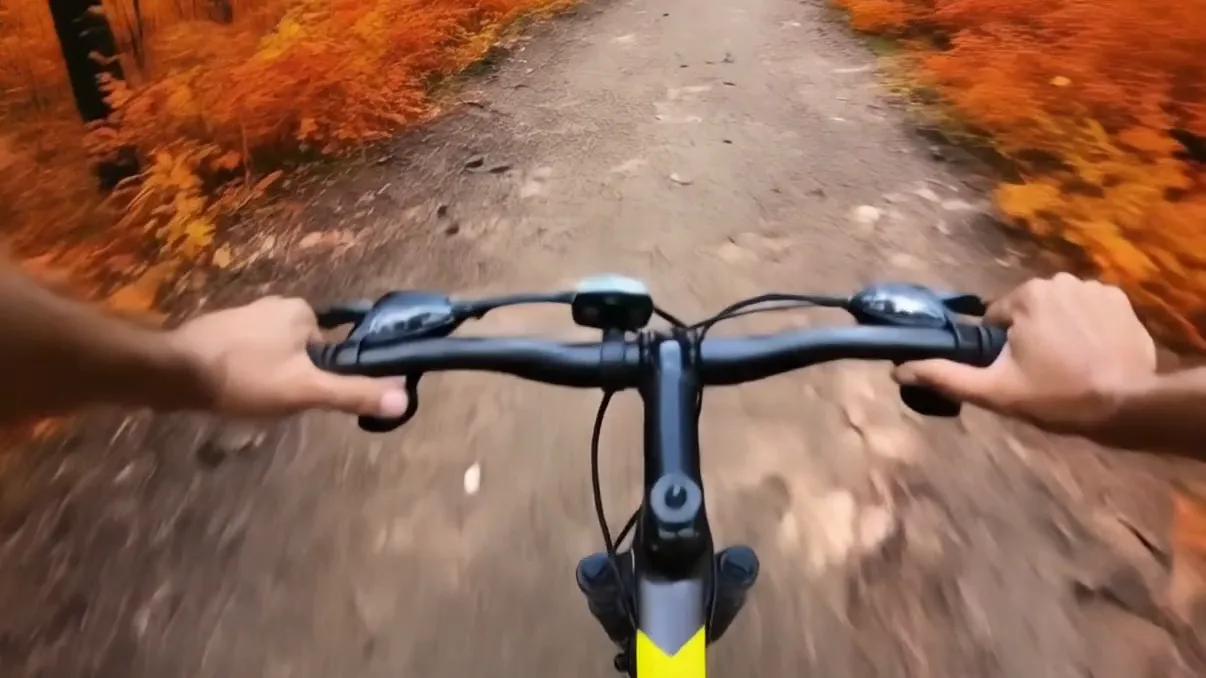
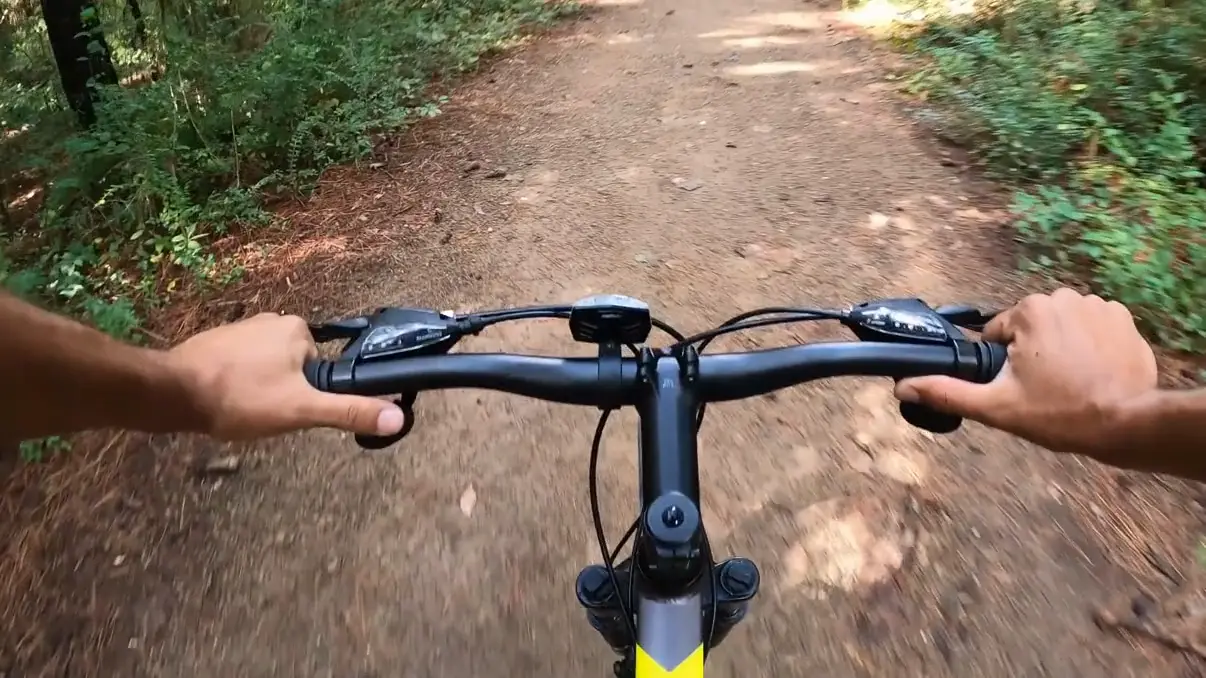
Mountain-bike point of view over the handlebars on a forest dirt trail, after Change
Mountain-bike point of view over the handlebars on a forest dirt trail, raw POV footage
RawFixed
Change · “turn the green summer forest into autumn, with orange and yellow leaves on the trees and on the trail”
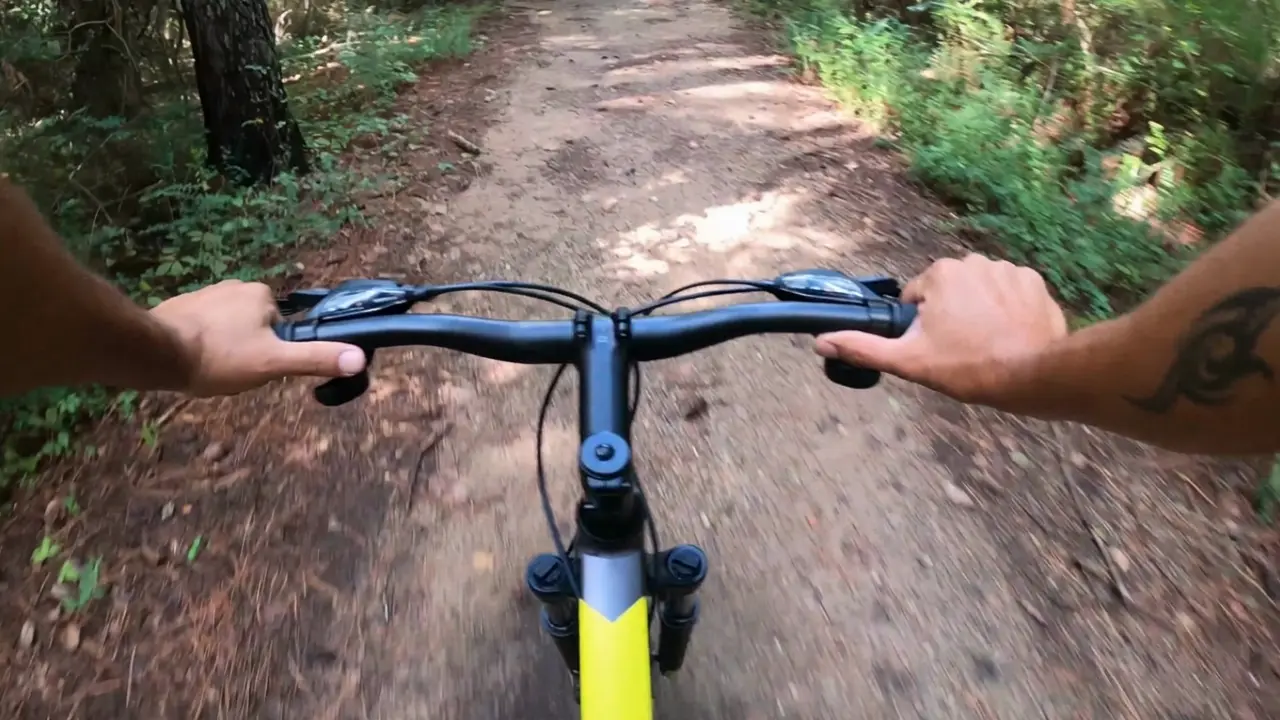
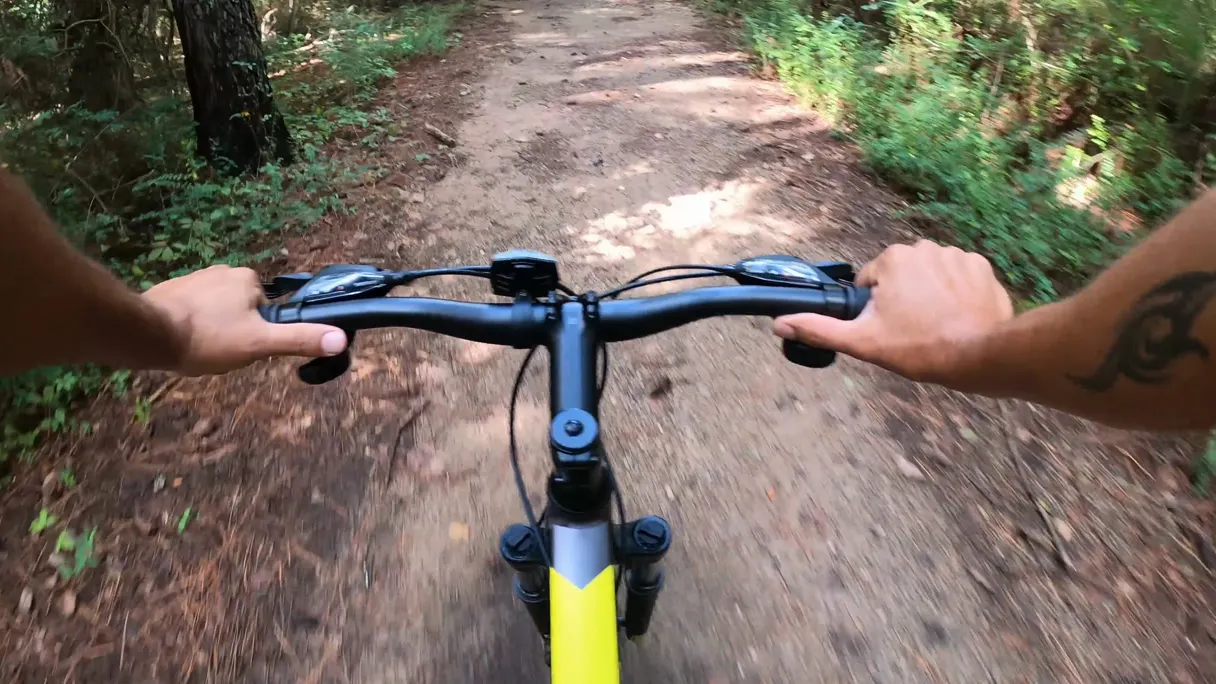
Handlebar point of view on a shaded forest trail, hands on the grips, after Remove
Handlebar point of view on a shaded forest trail, hands on the grips, raw POV footage
RawFixed
Remove · “the black bike computer and its mount on the handlebar”

01

Why action-cam footage needs a different edit

Action-cam footage moves with your body, so a normal mask-and-track remover has to follow every bump, lean and turn. A prompt edit avoids the masking: you name the object and the model works out where it is in each frame. Wide fisheye lenses also bend straight lines near the edges, which is where mounts, poles and hands usually sit. Mention the position ("the curved pole along the left edge") so the model looks in the right place, and keep trims short when the camera shakes hard.

02

Which engine suits which ride

Use Wan 2.7 VideoEdit for walking, cycling, skiing and other clips where you want the wind and engine noise to stay; it keeps the original audio in the render. Use Kling 3.0 Omni when the camera moves fast, such as mountain-bike descents or motorbike lean-ins, and you plan to lay your own audio under the result. Both engines take 3 to 10 seconds per edit, render at 720p or 1080p, and keep the length and timing of your trim, so the result drops back onto your timeline at the same timecode.

03

Limits worth knowing before you shoot

Each edit covers at most 10 seconds, so a long ride means several edits joined in your editor. Output is 720p or 1080p, not 4K. The tool cannot remove watermarks, logos or captions, add a person, or change who someone is; those requests are refused before any charge. Results can drift slightly, such as a softer patch where an object was, which is why the original and the edit are shown side by side.

Credits per render

The credit pack starts at $13.59 and the largest plan is $588.50 a year; the total for your marked seconds shows on the render button before anything runs. Plans and the credit pack

Credits per render by engine and resolution
StepCreditsMade by
Wan 2.7 VideoEdit, 720p97 per secondAlibaba
Wan 2.7 VideoEdit, 1080p119 per secondAlibaba
Kling 3.0 Omni, 720p112 per secondKuaishou
Kling 3.0 Omni, 1080p148 per secondKuaishou
Frame preview (one still)28Nano Banana 2.1 (Google)

FAQ

Can I upload 4K or 120 fps GoPro files?

4K works if the MP4 or MOV is under 95 MB; each edit renders at 720p or 1080p, so it comes back smaller. Edits take 24 to 60 fps, so export 120 or 240 fps slow-motion footage at 30 or 60 fps first.

Is this a full GoPro video editor?

No. It fixes one thing in a short trim of your clip. Cutting, colour grading, speed ramps and music still happen in the editor you already use; the edited seconds slot back in at the same timecode.

Will the edit keep the camera shake?

Yes. Both engines are told to keep the framing, the motion and the timing as filmed. Very hard shake makes the fill less clean, so stabilising first can help.

Does the edited clip keep its sound?

With Wan 2.7 VideoEdit, yes: the original audio is kept. Kling 3.0 Omni returns a silent clip, so keep your original audio track in your editor and lay the picture over it.

Is EgoEdit.org made by GoPro?

No. GoPro is a trademark of GoPro, Inc. EgoEdit.org is an independent service that edits footage from any action camera or phone; it is not affiliated with or endorsed by GoPro.